Finding the perfect monitor settings can transform your digital experience from tiring to truly enjoyable. Eye strain is a common issue faced by many who spend hours in front of screens, but the good news is that adjusting your monitor’s brightness and color can significantly alleviate discomfort.
Adjusting Brightness
Start with brightness—too much light can be as harmful as too little. Ideally, your screen should match the brightness of your surrounding environment. A simple way to determine this is by looking at a white webpage; if it appears glaring, turn down the brightness. Conversely, if it seems dull or gray, increase it until it feels comfortable.
Most monitors have an automatic brightness adjustment feature that can help adapt to ambient light, making your viewing experience smoother and more natural.
Color Temperature
Next, let’s talk about color temperature. The blue light emitted from screens can disrupt sleep patterns and lead to fatigue. Adjusting the color temperature of your monitor can be a game-changer. Aim for a warmer tone, especially during evening hours.
- Many modern monitors offer presets that shift the color to a more relaxing hue.
- You can also use software solutions like f.lux that automatically adjust your display according to the time of day.
Warmer colors reduce glare and are easier on the eyes, allowing you to work or play longer without discomfort.
Contrast Settings
Contrast is another crucial aspect to consider. A high contrast setting can make text and images pop, but too much contrast can strain your eyes. Find a balance where text is clear but not jarring. Adjusting the contrast can also help with visibility in different lighting conditions, ensuring that you remain comfortable regardless of where you are working.
Incorporating Breaks
Additionally, remember to incorporate breaks into your screen time. The 20-20-20 rule is a practical guideline:
- Every 20 minutes, take a 20-second break.
- Look at something 20 feet away.
This simple habit can refresh your eyes and reduce fatigue.
Investing in Quality Monitors
For those who frequently work in front of a monitor, investing in a quality screen with eye care technology can be a worthwhile decision. Monitors designed with flicker-free technology and blue light filtering capabilities can significantly reduce eye strain, making long hours of use much more bearable.
Conclusion
The right monitor settings can make all the difference in your comfort level and productivity. By carefully adjusting brightness, color temperature, and contrast, you can create an ideal environment that promotes eye health and enhances your overall experience. Don’t let eye strain hold you back; take control of your digital workspace today!
Related products
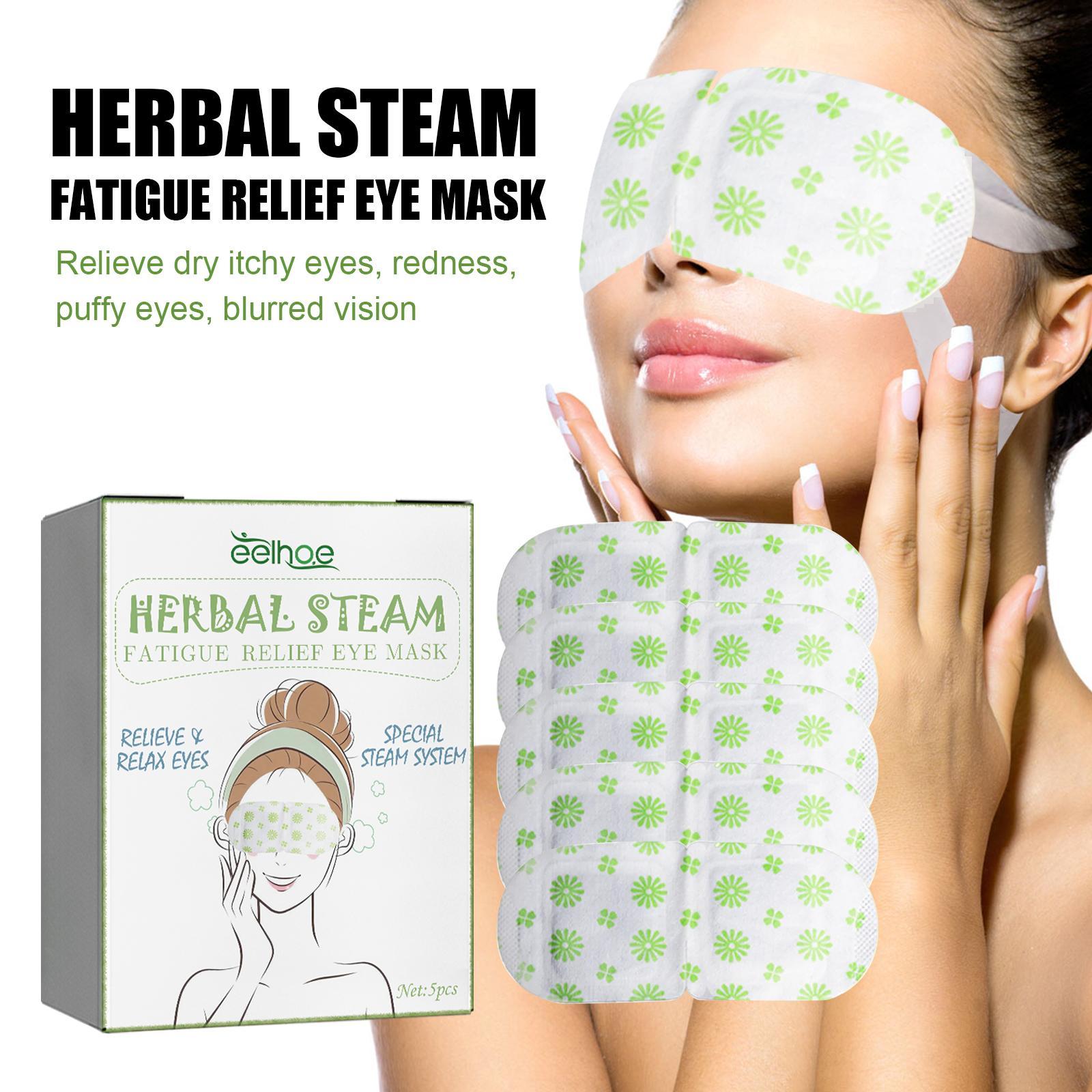
5PCS Self-Heating Steam Eye Mask – No Scent Eye Spa Mask for Relieving Eye Strain, Fatigue, Dark Circles, and Puffiness
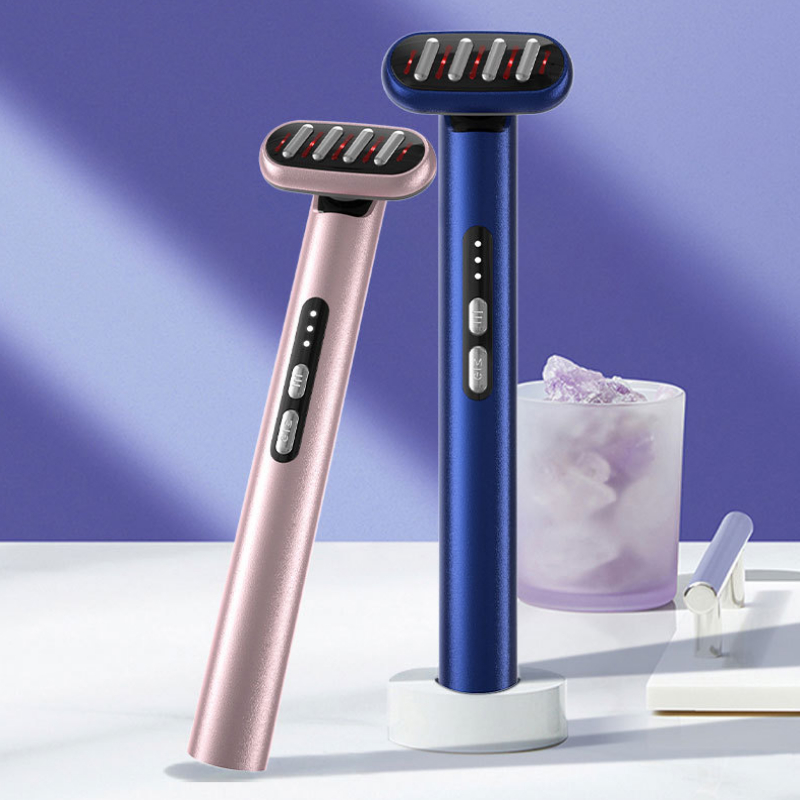
Seven-Color LED Eye Beautification Device for Facial Lifting and Tightening
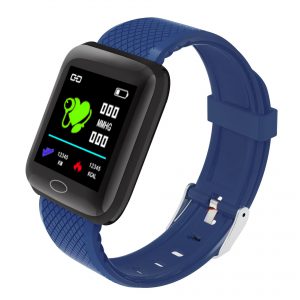
116PLUS Smart Bracelet with Heart Rate Monitor, Pedometer & Color Screen for Sports