Selecting the right keyboard is crucial for anyone who spends a significant amount of time typing, whether for work, gaming, or personal projects. The comfort of your fingers and wrists can greatly influence your productivity and overall experience. Understanding the different switches and layouts available will empower you to make an informed choice that enhances your typing comfort.
Mechanical Switches
Mechanical switches are a popular choice among typists for their tactile feedback and durability. They come in various types, each offering a unique feel and sound:
- Cherry MX Brown: Provides a balanced experience with a soft tactile bump, perfect for those who prefer a quieter typing experience without sacrificing feedback.
- Cherry MX Blue: Known for their clicky sound and pronounced tactile feedback, making them ideal for typists who enjoy auditory confirmation with each keystroke.
- Cherry MX Red: Offers a linear feel, requiring less force to press down, which can reduce finger fatigue during long typing sessions.
Keyboard Layouts
Beyond the switches, the layout of your keyboard plays a significant role in your comfort level. Consider the following:
- Full-sized Keyboards: Often come with a number pad, beneficial for data entry but may take up more desk space.
- Tenkeyless (TKL) Keyboards: A compact option that allows for more ergonomic positioning of your arms and can reduce strain on your shoulders and wrists.
Keycap Material and Profile
Consider also the keycap material and profile:
- PBT Plastic: Generally more durable and resistant to wear compared to ABS counterparts, which can shine over time.
- Keycap Profile: Sculpted keycaps help guide your fingers to the right keys, while flat keycaps can offer a more uniform feel.
Wrist Support
Wrist support is another factor that should not be overlooked. Many keyboards now come with built-in wrist rests or can be paired with external ones. A good wrist rest can:
- Alleviate pressure on your wrists
- Help maintain a natural typing posture
- Reduce the risk of repetitive strain injuries
Customization Options
Lastly, don’t forget about customization options. Many modern keyboards allow for programmability, enabling you to assign macros or shortcuts that can streamline your workflow. This personalization can enhance your typing efficiency and comfort, making every keystroke count.
Conclusion
In summary, choosing the right keyboard involves understanding the intricacies of switches, layouts, keycap materials, and additional features like wrist support and programmability. By prioritizing these elements, you can find a keyboard that not only meets your typing needs but also elevates your comfort and productivity. Invest in your typing experience today, and feel the difference in every keystroke!
Related products
109-Key Three-Zone Keyboard with 4 Paired Keys for Enhanced Typing Experience
X-type Adjustable Double-Tube Electronic Organ Rack | Durable Double-Tube Keyboard Stand
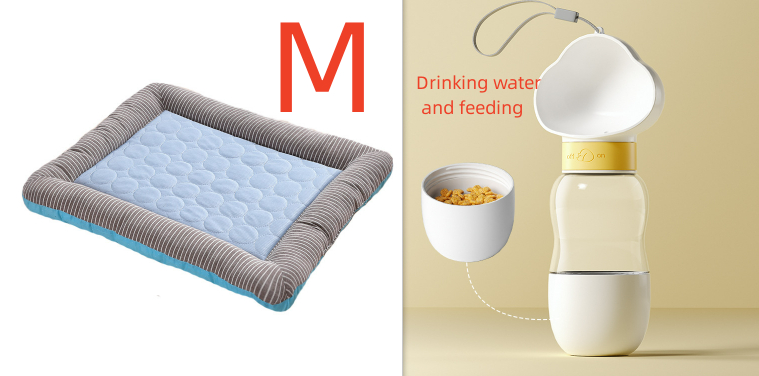
Cooling Pad Bed for Dogs & Cats – Soft Ice Silk Mat for Summer Comfort, Blue Breathable Pet Blanket