In a world where mobility is key, having a reliable portable scanner can transform how you manage documents while on the move. Whether you’re a busy professional, a student, or a frequent traveler, the ability to scan documents quickly and efficiently can save you time and hassle. Here’s how to choose the perfect portable scanner tailored to your needs.
1. Size and Weight
First and foremost, consider the scanner’s size and weight. A truly portable scanner should be lightweight and compact, easily fitting into your bag without adding unnecessary bulk. Look for models that are designed specifically for travel; these will often have streamlined shapes and be made from durable materials that withstand the rigors of life on the go.
2. Scanning Quality
Next, evaluate the scanning quality. The resolution of the scanner is crucial, particularly if you need to scan important documents or images. Aim for a scanner with at least 600 dpi (dots per inch) for clear, sharp images. This is especially important for text-heavy documents or intricate graphics where detail matters. Don’t compromise on quality; after all, the clarity of your scanned documents reflects your professionalism.
3. Connectivity Options
Another critical factor is the scanner’s connectivity options. Many portable scanners now come with wireless capabilities, allowing you to connect to your smartphone, tablet, or laptop effortlessly. This feature is invaluable for those who need to send documents immediately or store them in the cloud. Look for models that support various connectivity options, including:
- Wi-Fi
- Bluetooth
- USB
to ensure versatility in how you use the device.
4. Battery Life
Battery life is also paramount. A portable scanner should offer sufficient battery life to handle multiple scans without needing frequent recharges. Some models even come with rechargeable batteries, which can be more convenient for extended use. Additionally, consider how quickly the scanner can power up and start scanning; you don’t want to waste time waiting when you could be getting things done.
5. User-Friendliness
User-friendliness is another aspect to weigh heavily in your decision. The best portable scanners come with intuitive interfaces and straightforward controls. Features like one-touch scanning can streamline your workflow, allowing you to focus on what matters most—your work. Check for scanners that come with helpful software for editing and organizing your documents, making the entire scanning process seamless.
6. Price
Price is always a factor in any purchase. Portable scanners can range from budget-friendly options to high-end models packed with features. Determine your budget, but remember that investing in a quality scanner can save you money in the long run by boosting your productivity. Read reviews and compare features to ensure you’re getting the best value for your investment.
7. Additional Features
Lastly, consider additional features that might be beneficial for your specific needs. Some portable scanners come with:
- Automatic duplex scanning (scanning both sides of a page)
- OCR (Optical Character Recognition) capabilities that convert scanned text into editable formats
Think about how you plan to use your scanner and choose one that aligns with your workflow.
Conclusion
Choosing the right portable scanner can make a significant difference in how you manage documents while on the go. By focusing on size, scanning quality, connectivity, battery life, user-friendliness, price, and additional features, you can find a scanner that fits seamlessly into your busy lifestyle. Don’t let document management weigh you down—invest in a portable scanner and take your productivity to new heights!
Related products
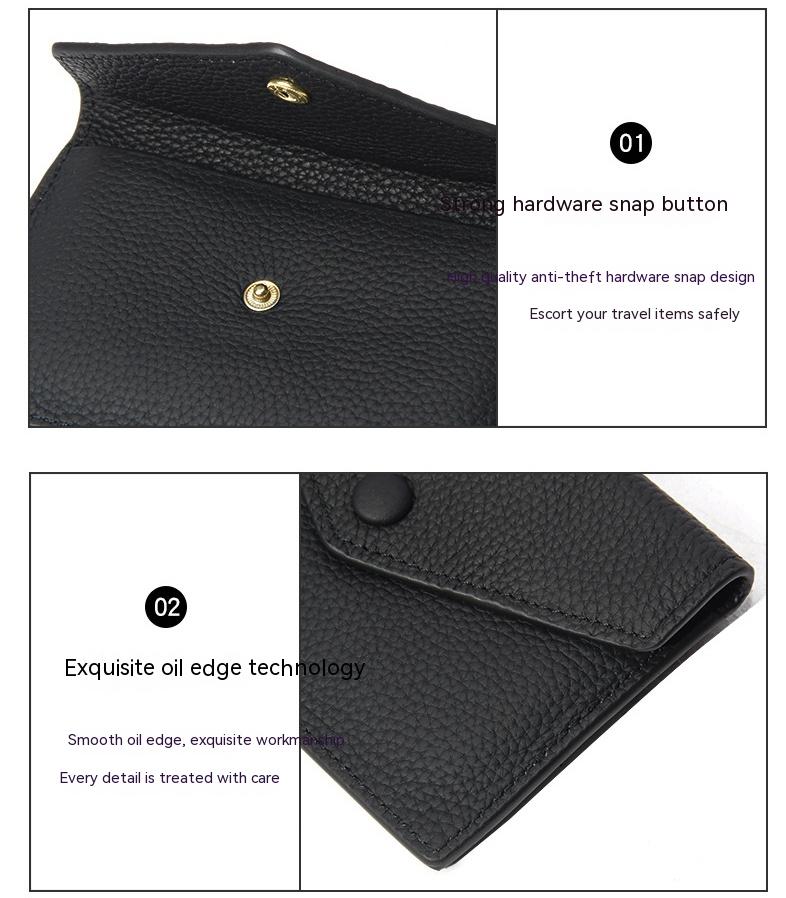
Sleek and Lightweight Card Pack Featuring Multiple Slots for Identification Documents

New Splice Portable Pet Nest – Cozy Autumn & Winter Dog & Cat Nest, Moisture-Proof Long Fur Design, Perfect Cross-Border Pet Shelter
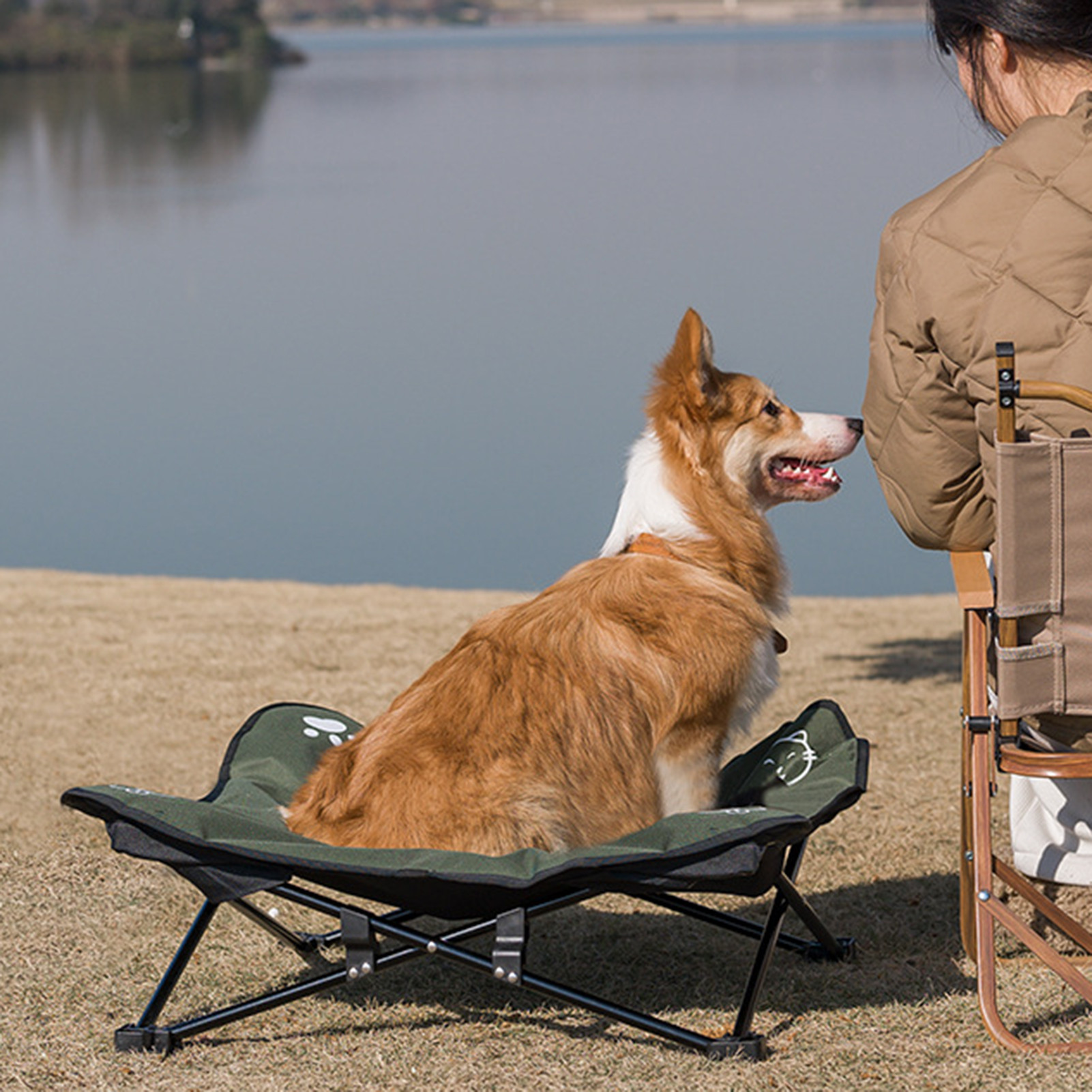
Portable, Washable Outdoor Pet Folding Bed – Detachable Design for Easy Care