Finding the right ergonomic mouse can feel like searching for a needle in a haystack, especially when your wrists are screaming for relief. With the rise of remote work and endless hours spent in front of screens, the need for comfort and support has never been more crucial. But how do you choose a mouse that alleviates discomfort without draining your wallet?
Key Features of an Ergonomic Mouse
First, it’s essential to understand the key features that define an ergonomic mouse. Look for a design that promotes a natural hand position, reducing strain on your wrist. Mice that are contoured to fit the shape of your hand are often more comfortable for extended use. A vertical mouse, for example, keeps your wrist in a neutral position, allowing for a more relaxed grip. This simple shift can drastically reduce pain over time.
Size and Weight Considerations
Next, consider the size and weight of the mouse. A mouse that feels too heavy or too small can exacerbate discomfort. Choose one that fits snugly in your hand, allowing for easy movement without requiring excessive force. Many manufacturers provide size recommendations; don’t hesitate to use these guides to find your perfect match.
Importance of Adjustable DPI Settings
Don’t overlook the importance of adjustable DPI settings. A mouse with customizable sensitivity lets you tailor the responsiveness to your specific needs, making it easier to navigate your screen without straining your wrist. This feature is particularly beneficial for:
- Graphic designers
- Gamers
where precision is paramount.
Budget-Friendly Options
Investing in a quality mouse doesn’t have to mean spending a fortune. There are plenty of budget-friendly options that provide excellent ergonomic support. Brands like Logitech and Anker offer a range of models that are well-reviewed and affordable, proving that comfort and quality can go hand in hand. Read user reviews and expert recommendations to ensure you’re making an informed choice.
Additional Features to Enhance Your Experience
Finally, consider additional features that can enhance your experience:
- Programmable buttons: can save time and reduce repetitive motions.
- Wireless options: eliminate the clutter of cords.
- A rechargeable battery: is also a plus—no more hunting for batteries when you’re deep in a project!
Conclusion
In summary, choosing the right ergonomic mouse is a vital step toward preventing wrist pain and enhancing productivity. Prioritize comfort, size, and functionality without succumbing to the allure of high price tags. With the right mouse in hand, you can work comfortably and efficiently, ensuring your well-being remains a top priority. Don’t let wrist pain hold you back—make an informed choice and take the first step toward a more comfortable workspace today!
Related products
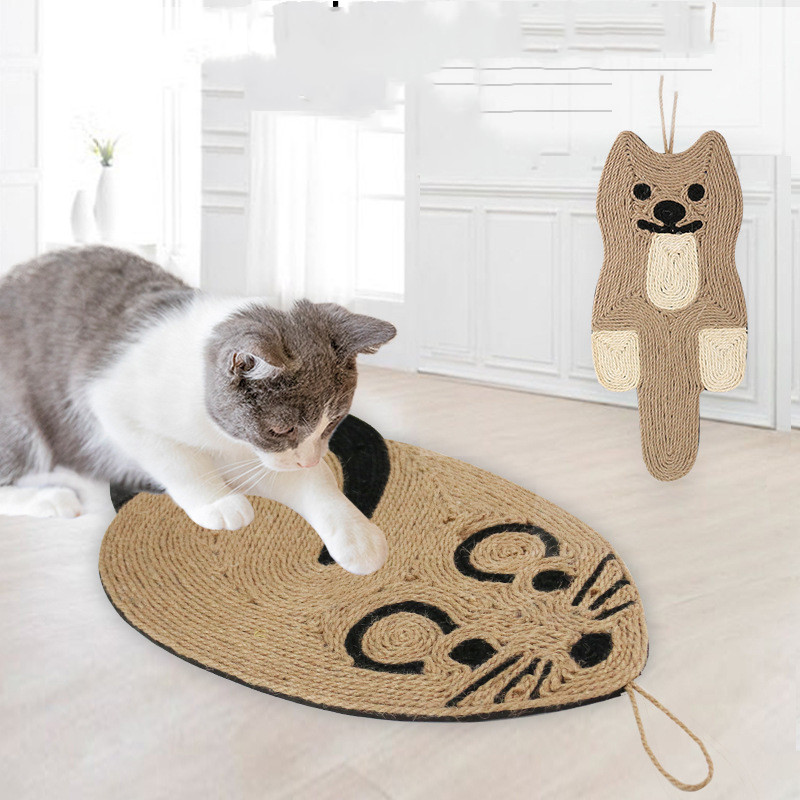
Cat Scratching Board Mouse – Durable Sisal Cat Scratching Pad for Happy Cats

Galvanized Iron Mouse Trap – Effective Mouse Control Bait Catcher | Prohibited Platform Amazon
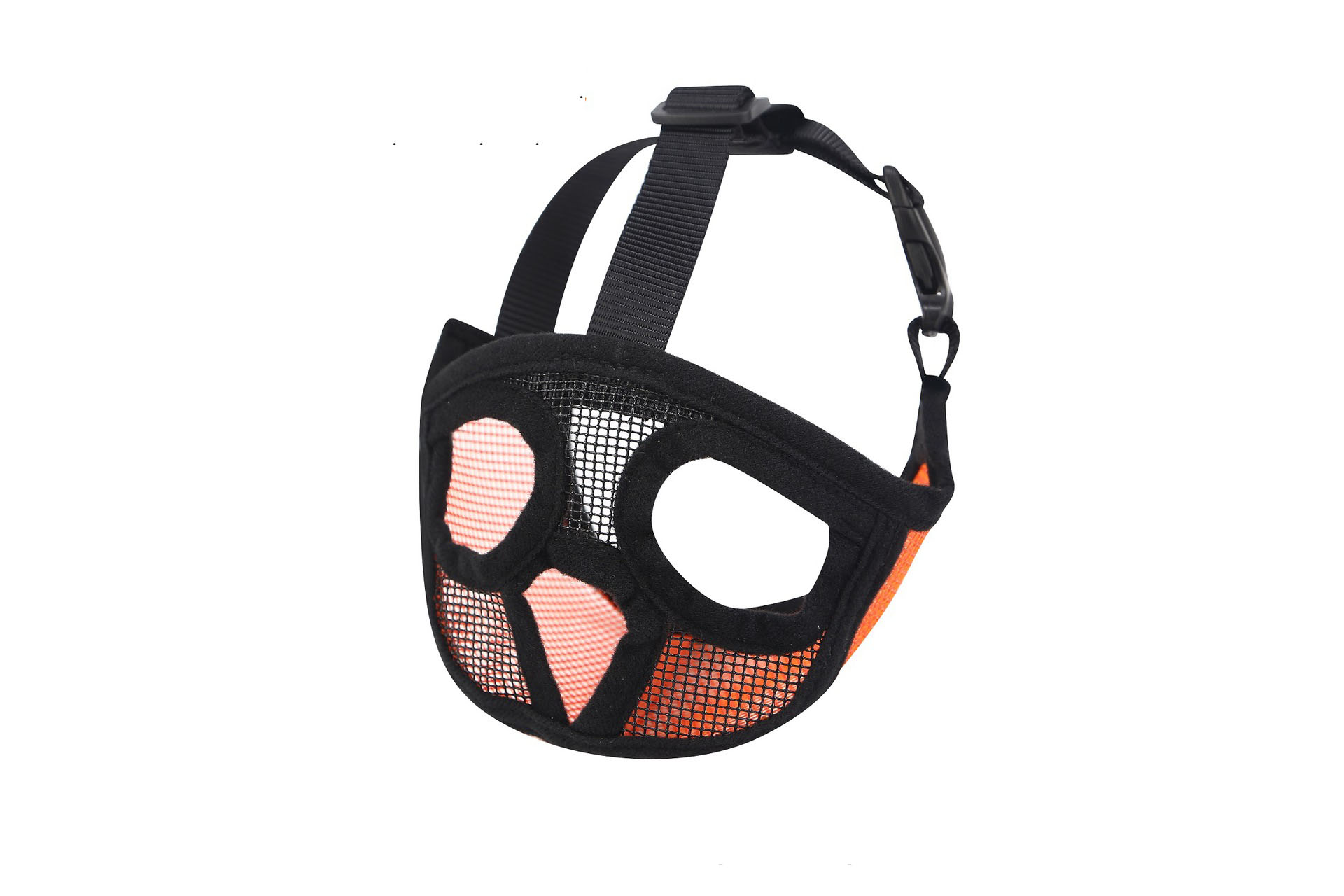
Hoopet Breathable Muzzle for Small Dogs – French Bulldog Dog Mouse Basket, Perfect for Leash and Harness Supplies