Choosing the right Uninterruptible Power Supply (UPS) for your PC is not just a technical decision; it’s a crucial step toward safeguarding your digital life. Imagine the frustration of losing hours of work due to a sudden power outage or a surge that damages your hardware. A UPS acts as your trusty guardian, ensuring that your computer remains operational even in the face of unexpected power disruptions.
Factors to Consider When Selecting a UPS
1. Wattage and Capacity
When selecting a UPS, the first factor to consider is the wattage and capacity that your PC requires. Calculate the total wattage of all the devices you intend to connect to the UPS. This includes:
- Your computer
- Your monitor
- Any additional peripherals
A UPS with a higher capacity will not only support your current needs but also accommodate future upgrades, ensuring that you won’t have to invest in another unit down the line.
2. Pure Sine Wave Output
Next, look for a UPS with a pure sine wave output, especially if you own a sensitive computer or gaming setup. Unlike modified sine wave outputs, pure sine wave UPS systems provide a cleaner power signal, which is essential for maintaining the performance and longevity of high-end devices. This is particularly important for gaming enthusiasts and professionals who rely on optimal performance.
3. Runtime
Another vital aspect is the runtime. The best UPS units offer a sufficient amount of time to save your work and shut down your system safely during a power failure. Aim for a UPS that provides at least 10 to 15 minutes of runtime at full load. This brief window can make all the difference in protecting your data and preventing hardware damage.
4. Automatic Voltage Regulation (AVR)
Don’t overlook the importance of features such as automatic voltage regulation (AVR). This feature stabilizes voltage fluctuations, ensuring that your devices receive a consistent power supply. This is especially beneficial in areas prone to brownouts or surges, as it helps to keep your equipment safe from potential damage.
5. Connectivity Options
Connectivity options are also paramount. A UPS with USB or serial communication capabilities allows for seamless integration with your computer. This can enable automated shutdown features, providing peace of mind knowing that your system will safely power down in case of an extended outage.
6. Warranty and Customer Support
Finally, consider the warranty and customer support offered by the manufacturer. A solid warranty reflects the confidence the company has in its product, and responsive customer support can be invaluable if you encounter any issues.
Conclusion
In summary, choosing the right UPS for your PC is about understanding your specific needs and the nuances of power supply technology. With the right selection, you’ll not only protect your investment but also enjoy uninterrupted productivity, even when the lights go out. Don’t wait for the next blackout—invest in a UPS today and secure your digital world!
Related products

Magnetic Wireless Power Bank – Portable Mobile Power Supply for On-the-Go Charging
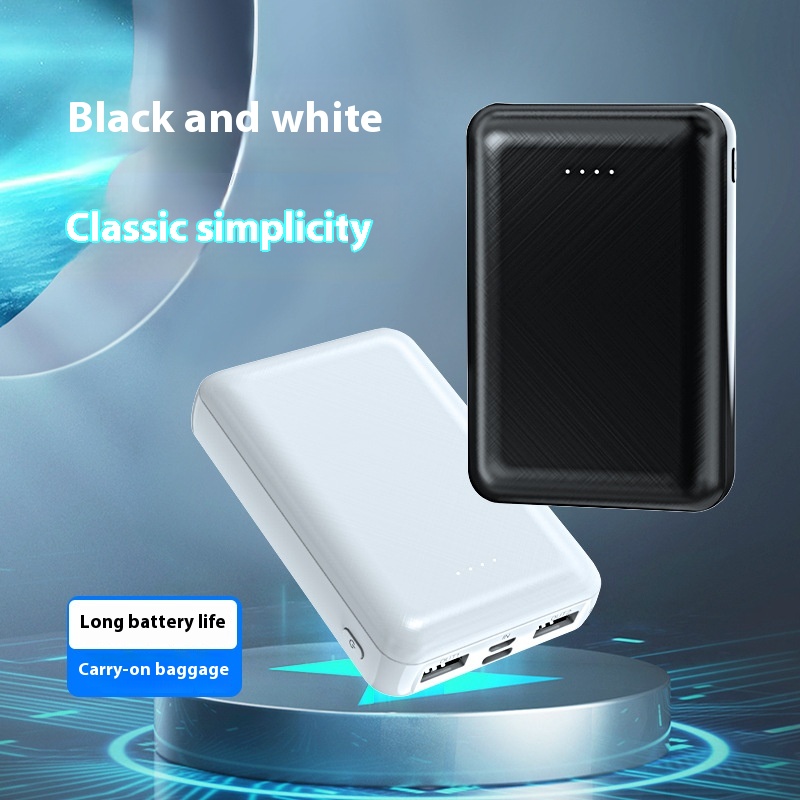
20000mAh High-Capacity Portable Mobile Power Supply – Compact & Convenient
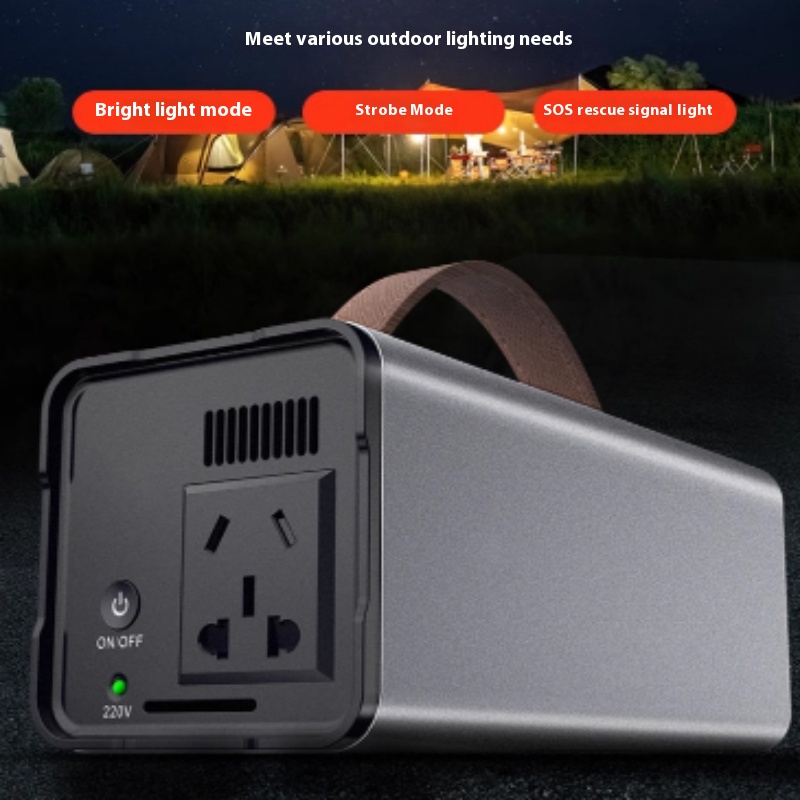
Stall High-Capacity Portable Outdoor Energy Storage Power Supply for Camping