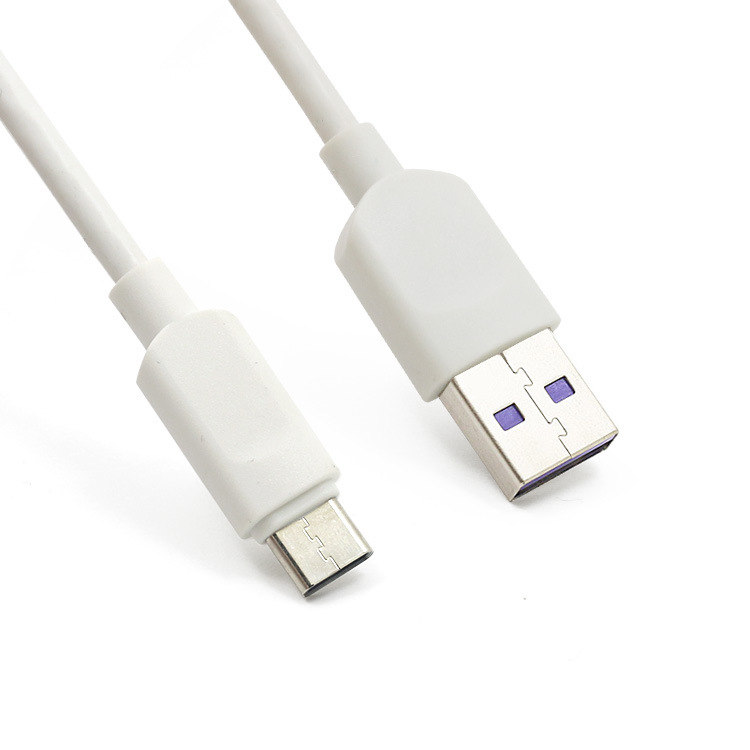
Understanding USB-C standards can be a game-changer for anyone navigating the tech world. With a plethora of options available, choosing the right cable can feel overwhelming. But fear not! This guide will simplify the process and empower you to make informed decisions that enhance your connectivity experience.
What is USB-C?
USB-C is not just another connector; it’s a universal solution designed to streamline your tech life. Whether you’re charging your smartphone, connecting to a laptop, or hooking up your monitor, the right USB-C cable can make all the difference. But how do you know which one to pick?
Key Considerations When Choosing a USB-C Cable
1. Power Delivery (PD) Capability
First and foremost, consider the power delivery (PD) capability of the cable. Not all USB-C cables are created equal when it comes to charging speeds. If you’re using devices that require fast charging, opt for cables that support higher wattage. Look for cables labeled with USB Power Delivery specifications—these can deliver up to 100 watts, ensuring your devices charge quickly and efficiently.
2. Data Transfer Speeds
Next, think about data transfer speeds. The USB-C standard can support different data rates, from USB 2.0 to USB 4.0. If you’re transferring large files or using high-performance peripherals, a cable that supports USB 3.1 or higher is essential. This ensures that you won’t be bottlenecked by slow transfer speeds, allowing you to move files seamlessly and work more efficiently.
3. Compatibility
Compatibility is another critical factor. Not every USB-C cable works with every device. Before purchasing, check your device’s specifications to ensure that the cable you choose supports its features, whether it’s:
- Video output
- Data transfer
- Charging
Many cables come with additional features like HDMI support, which can be invaluable for presentations or gaming setups.
4. Durability
Durability should also be on your checklist. Look for cables with reinforced connectors and high-quality materials that can withstand daily wear and tear. Investing in a durable cable not only saves you money in the long run but also ensures consistent performance without the hassle of frequent replacements.
5. Cable Length
Lastly, consider the length of the cable. Depending on your setup, a longer cable may provide the flexibility you need, whether you’re connecting devices across a room or simply want to reach an outlet from a distance. However, balance is key—longer cables can sometimes result in slower charging or data speeds, so choose a length that fits your use case without compromising on quality.
Conclusion
In conclusion, selecting the right USB-C cable doesn’t have to be daunting. By understanding power delivery, data transfer speeds, compatibility, durability, and length, you can confidently choose a cable that meets your needs. Elevate your tech experience today by investing in the right USB-C cable—it’s a small decision that can lead to significant improvements in your daily connectivity.
Related products
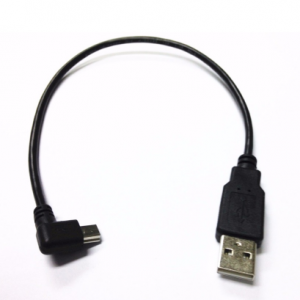
USB Mini 5Pin Right Angle Male to USB 2.0 A Male Plug 0.2m Power Charger Cable for Chromecast
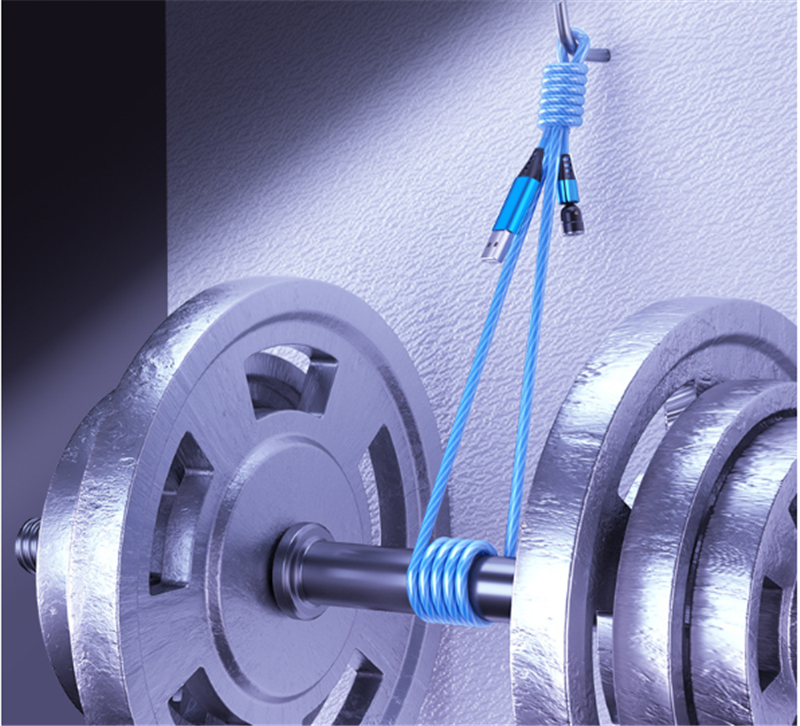
540 Rotate Luminous Magnetic Cable – 3A Fast Charging for Mobile Phones, LED Micro USB & Type C, Compatible with iPhone
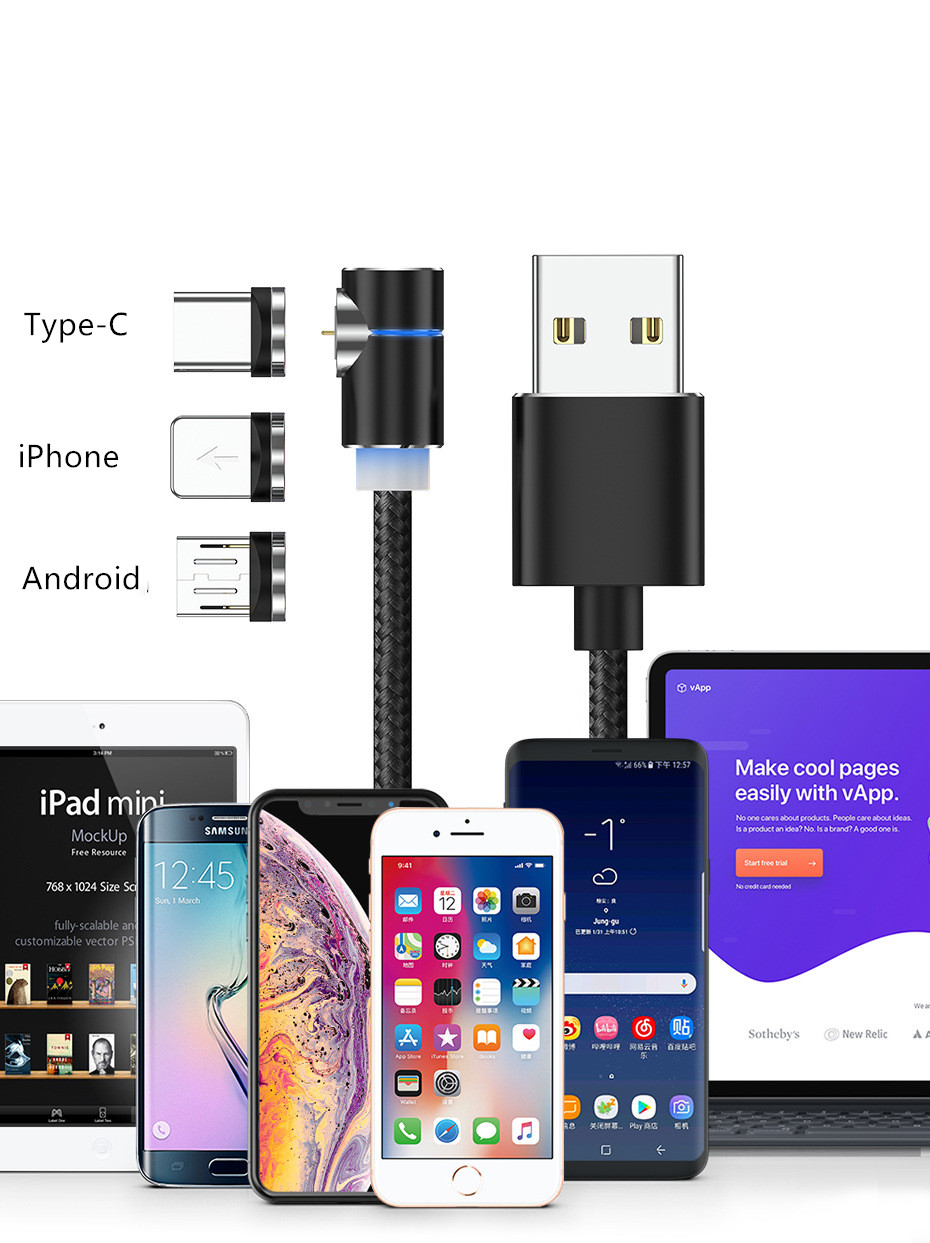
Magnetic LED Magnet Charger Cable – USB & USB Type-C (USB C) Cable