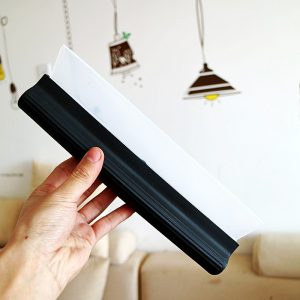
Keeping your laptop screen spotless can feel like an uphill battle, but with the right approach, you can achieve a crystal-clear finish without those pesky streaks. Forget the frustration of using the wrong materials or techniques—let’s dive into a straightforward guide that will transform your cleaning routine and leave your screen gleaming.
Gather the Right Tools
First, gather the right tools for the job. A microfiber cloth is essential. Its soft fibers are gentle on screens, preventing scratches while effectively trapping dust and grime. Avoid paper towels or rough fabrics, as these can leave scratches or lint behind. Additionally, a gentle cleaning solution specifically designed for electronics is ideal. Look for products free from ammonia or harsh chemicals; your screen deserves a tender touch.
Preparation
Before you start, ensure your laptop is powered off and unplugged. This not only protects your device but also allows you to see smudges and fingerprints more clearly. Dampen your microfiber cloth with the cleaning solution—make sure it’s not soaking wet, as excess moisture can seep into the device and cause damage.
Cleaning Process
Now, it’s time to clean! Using gentle, circular motions, wipe the screen, focusing on any stubborn spots. This technique not only ensures an even clean but also minimizes the chance of streaks. If you encounter particularly tough marks, don’t hesitate to apply a little extra cleaning solution, but remember to use it sparingly.
Final Touches
Once you’ve finished cleaning, take a moment to admire your handiwork. If you notice any remaining streaks, simply take a dry corner of the microfiber cloth and buff those areas gently. This final touch can make all the difference, ensuring that your laptop screen shines like new.
Maintenance Tips
For those who want to maintain that pristine look, consider incorporating a regular cleaning schedule. A quick wipe-down once a week can keep dust and fingerprints at bay, making future cleanings easier and more effective.
Invest in Quality
Investing in a quality microfiber cloth and a gentle cleaner is a small price to pay for a clear, vibrant display. Plus, maintaining a clean screen not only enhances your viewing experience but also extends the life of your device.
Conclusion
Say goodbye to streaky screens and hello to clarity. With these simple steps, you can keep your laptop looking its best, ensuring every video call, presentation, and binge-watching session is as enjoyable as it should be. Embrace the power of a clean screen, and watch your productivity soar!
Related products
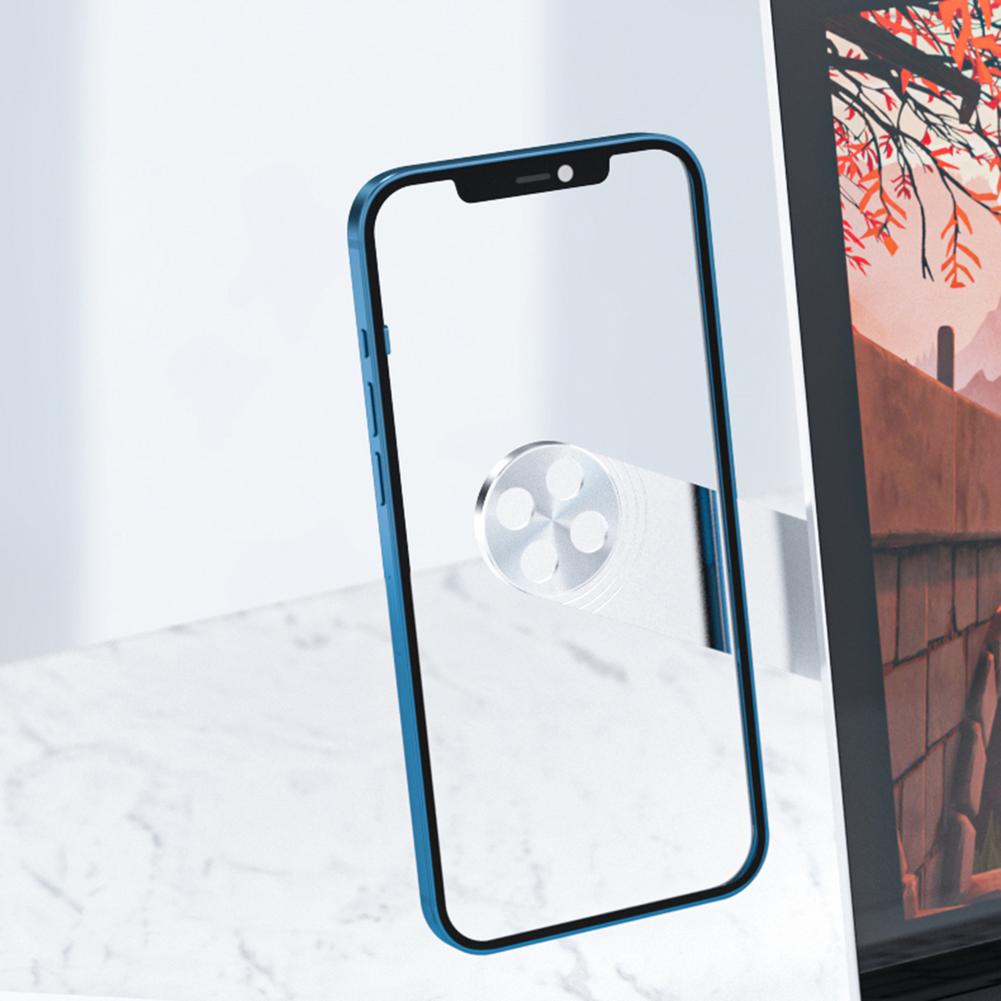
Adjustable Laptop Phone Holder – Magnetic Side Mount Clip & Foldable Aluminum Tablet Stand for Dual Screen Setup
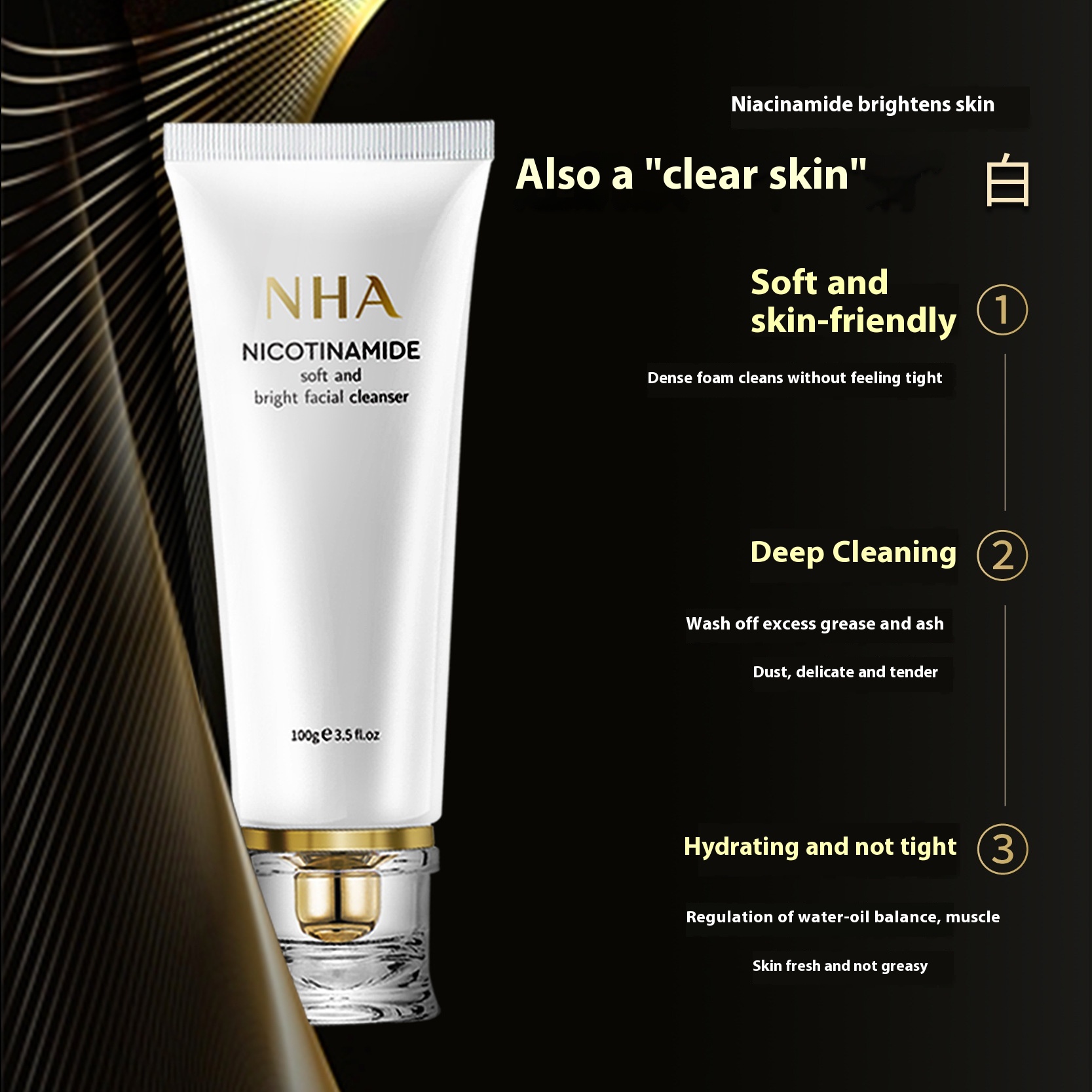
Nicotinamide Soft Transparent Foam Facial Cleanser for Balanced Water and Oil, Deep Cleansing Without Tightness

Single Silicone Body Wiper | Premium Glass Wiper Cleaner for a Streak-Free Shine