Printer paper jams can bring your productivity to a grinding halt, leaving you frustrated and wondering what went wrong. Understanding the common causes of these pesky jams and knowing how to fix them can save you time and hassle, allowing you to keep your printing operations running smoothly.
Common Causes of Printer Paper Jams
1. Incorrect Paper Types
One of the primary culprits behind paper jams is the use of incorrect paper types. Using paper that is too thick or too thin for your printer can lead to misfeeds. Always check your printer’s specifications to ensure you’re using the right paper. Investing in high-quality paper designed for your specific printer model can not only reduce jams but also enhance the overall print quality.
2. Accumulation of Dust and Debris
Another frequent cause is the accumulation of dust and debris inside the printer. Over time, particles can build up, leading to misalignment and jams. Regular maintenance is crucial. A simple cleaning routine, including wiping down the rollers and interior components, can make a world of difference. Consider using a professional printer maintenance service to ensure your device operates at peak performance.
3. Improperly Loaded Paper Trays
Improperly loaded paper trays can also lead to frustrating jams. Always fan your paper before loading it into the tray to separate the sheets and prevent them from sticking together. Additionally, ensure the paper is aligned correctly and the guides are snug against the edges to avoid misfeeds.
4. Worn-Out Rollers
Worn-out rollers can be another hidden issue. If your printer is older, the rollers may have lost their grip, causing papers to slip or misfeed. Replacing these rollers can be a straightforward fix that dramatically improves performance. Many suppliers offer replacement parts specifically designed for your printer model, ensuring compatibility and ease of installation.
5. Environmental Factors
Finally, consider the environment where your printer resides. High humidity or excessively dry conditions can affect paper quality, leading to jams. Keeping your printer in a controlled environment can help mitigate these issues.
Conclusion
With the right knowledge and proactive measures, you can eliminate those annoying printer paper jams for good. By investing in quality supplies, maintaining your equipment, and understanding the nuances of your printer, you can ensure a smoother printing experience. Don’t let paper jams disrupt your workflow; take action today and enjoy hassle-free printing!
Related products
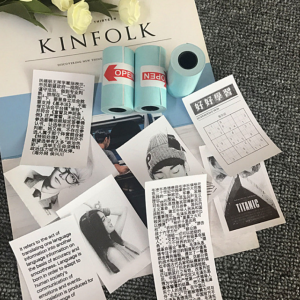
PerPage Mini Wireless Portable Thermal Printer Paper – Convenient & Efficient
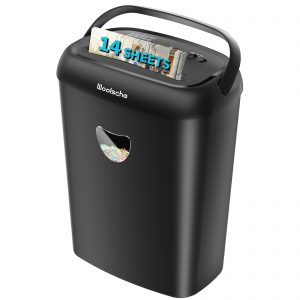
Heavy-Duty Paper Shredder – 14-Sheet Cross-Cut, 6.6 Gallon Bin, P-4 Security Level, Jam-Proof Design for Home & Office – 3 Modes, FBA Shipping
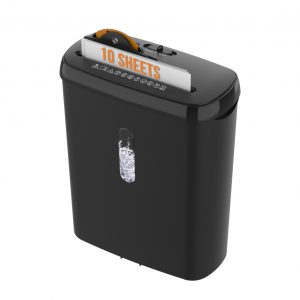
10-Sheet Paper Shredder, P-2 Security Level, 3.17-Gallon Basket, CD & Credit Card Shredding, Fast Anti-Jam System, Durable & ETL Certified for Home Office, FBA Ship