When it comes to maximizing your workspace and enhancing your device’s capabilities, the choice between a USB-C dock and a Thunderbolt dock can feel overwhelming. Each offers unique advantages tailored to different needs, but understanding their distinct features is crucial to making the right decision for your tech setup.
USB-C Docks: Versatility and Compatibility
USB-C docks are designed to provide versatility and compatibility across a wide range of devices. They typically feature multiple ports, allowing you to connect everything from monitors to external hard drives and keyboards. The beauty of USB-C lies in its universal appeal; it works seamlessly with various brands and devices, making it an ideal choice for those who value flexibility.
- If you own a mix of gadgets and are looking for a cost-effective solution, a USB-C dock can be a perfect fit.
- It allows you to connect and charge devices without the fuss of multiple cables.
Thunderbolt Docks: Speed and Connectivity
On the other hand, Thunderbolt docks take connectivity and speed to an entirely new level. Utilizing the powerful Thunderbolt 3 or 4 technology, these docks can achieve lightning-fast data transfer speeds of up to 40 Gbps. This makes them a game-changer for professionals who work with large files, such as video editors or graphic designers.
Imagine transferring a full-length movie in mere seconds—this is the kind of efficiency Thunderbolt brings to your workflow. Additionally, Thunderbolt docks can daisy-chain multiple devices, enabling you to connect multiple monitors and peripherals without sacrificing performance.
Power Delivery Comparison
The difference in power delivery is another significant factor. While most USB-C docks offer decent charging capabilities, Thunderbolt docks often provide higher wattage, which is essential for powering more demanding devices.
- If you own a high-performance laptop, a Thunderbolt dock can keep it charged while simultaneously driving multiple displays and peripherals.
- This ensures you never miss a beat during intense work sessions.
Price Considerations
When it comes to price, USB-C docks usually come with a lower price tag, making them an attractive option for budget-conscious consumers. However, investing in a Thunderbolt dock can pay off in the long run for those who require high-speed connectivity and advanced features.
The initial cost may be higher, but the performance benefits, especially for creative professionals, can make it a wise choice.
Conclusion
In summary, the decision between a USB-C dock and a Thunderbolt dock boils down to your specific needs and usage scenarios. If you seek versatility, compatibility, and affordability, a USB-C dock is your best bet. However, for those who demand the utmost in speed, power, and connectivity for professional-grade tasks, a Thunderbolt dock is worth the investment. Choose wisely, and elevate your tech experience to new heights.
Related products
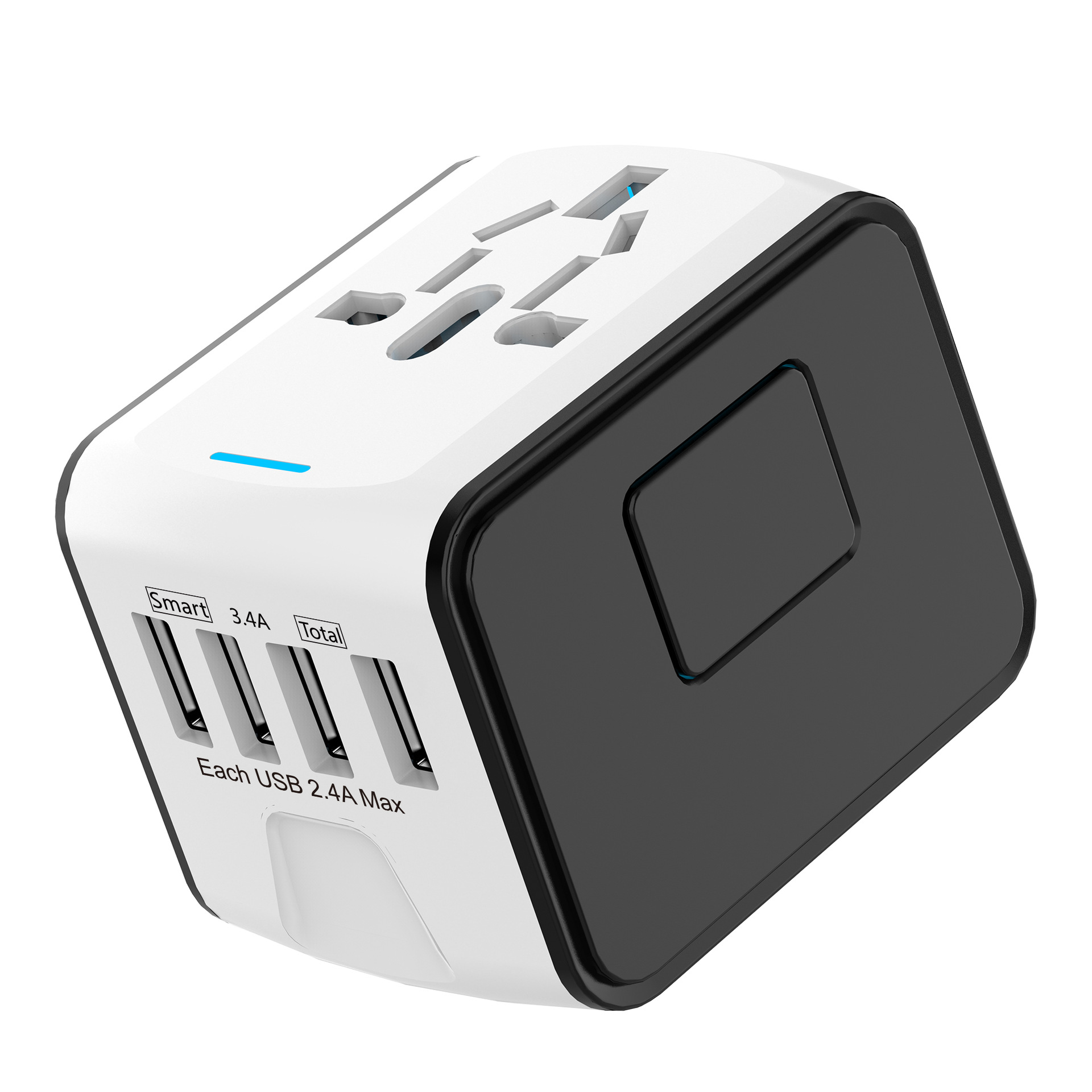
Ultimate Travel Multifunctional 4-Port USB Charging Dock Converter
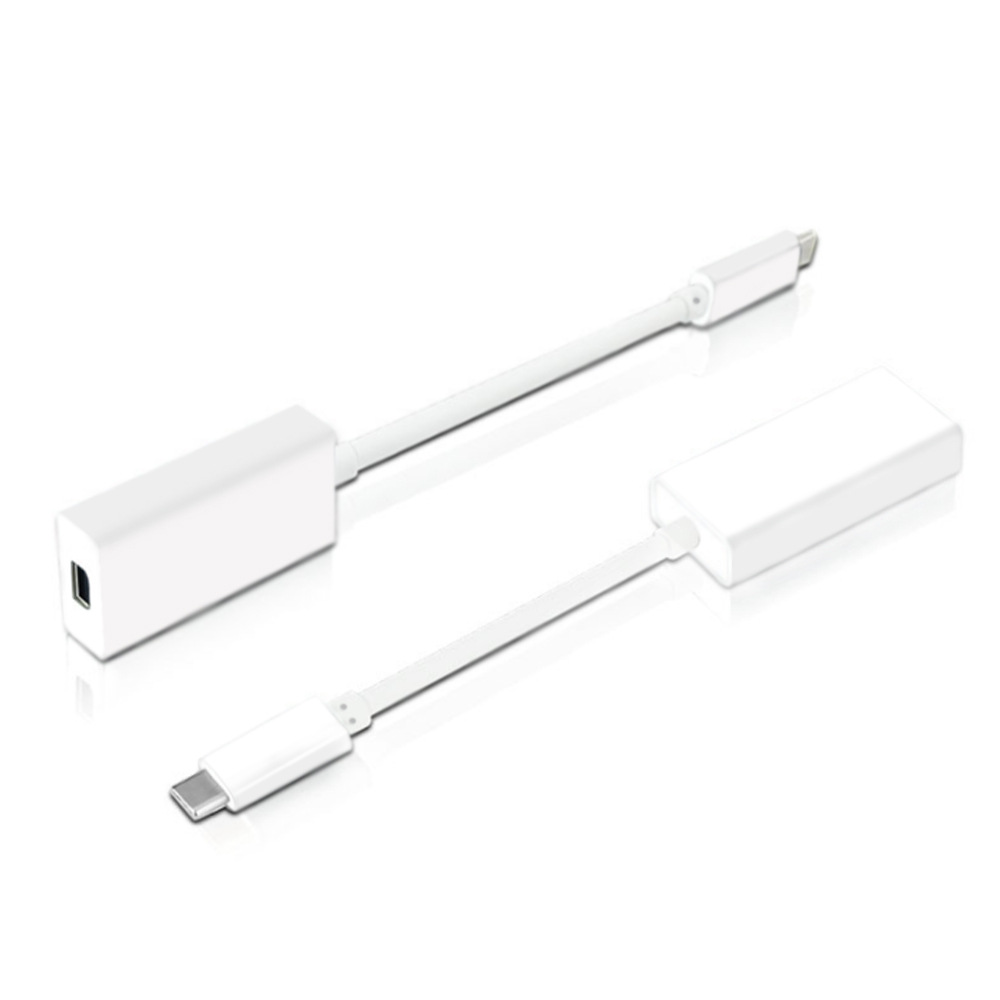
Thunderbolt 3 USB-C to Thunderbolt 2 Adapter – Type C to Mini DisplayPort ABS
Usb Extender 30 Set Cable Separator – One Drag Four Multi-Function Length Expansion Dock