Overheating during charging can be a frustrating and alarming experience for any device user. Devices, whether smartphones, tablets, or laptops, are designed to charge efficiently, but sometimes they can become unexpectedly hot. Understanding the causes behind this phenomenon is crucial for maintaining your device’s health and longevity.
Causes of Overheating
Charger Issues
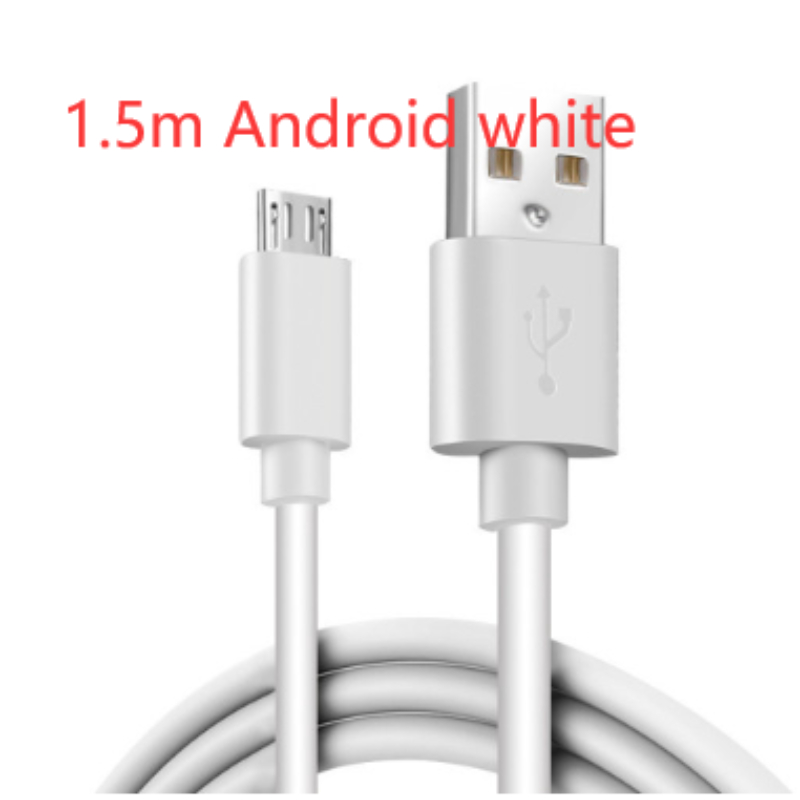
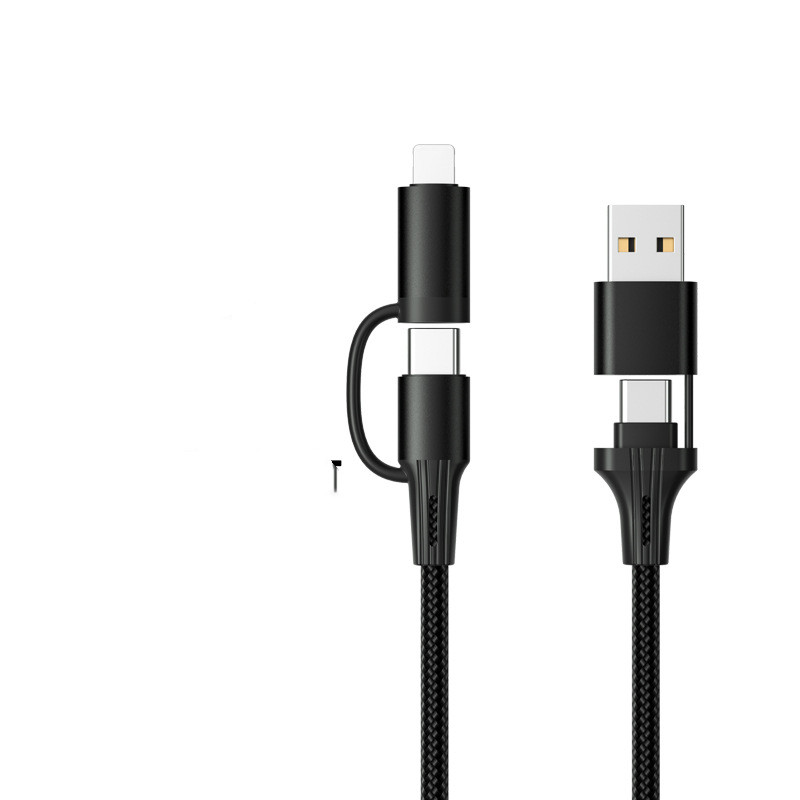
One of the primary reasons devices overheat is due to the charger itself. Using a non-compatible or low-quality charger can lead to excessive heat generation. Always opt for chargers that are specifically designed for your device, as they regulate power output more effectively, ensuring a safe charging experience. Investing in a high-quality charger can be a game changer, protecting your device from potential damage while providing faster, safer charging.
Battery Condition
Another culprit is the battery’s age and condition. Over time, batteries can degrade, leading to inefficiencies during charging. A battery that is swelling or showing signs of wear should be replaced immediately to prevent overheating and potential hazards. Regular maintenance and timely battery replacements are vital for optimal performance. Many users overlook the importance of battery health, but keeping it in check can save you from unexpected overheating issues.
Environmental Factors
Environmental factors play a significant role in device temperature as well. Charging your device in a hot environment or leaving it under direct sunlight can cause it to overheat. To combat this, find a cool, well-ventilated area for charging. This simple adjustment can make a significant difference, allowing your device to maintain a safe operating temperature and prolonging its lifespan.
Power-Intensive Applications
Running power-intensive applications while charging is another factor that can contribute to overheating. Gaming, video streaming, or intensive multitasking can generate extra heat. If you notice your device getting hot while charging, consider closing unused applications. This not only helps manage the device’s temperature but also speeds up the charging process.
Software Issues
Finally, software issues can also lead to overheating. Bugs or glitches in the operating system can cause the device to work harder than necessary, generating excess heat. Keeping your device updated with the latest software can help mitigate these risks. Regular updates often include performance improvements and bug fixes that enhance the overall efficiency of your device.
What to Do If Your Device Overheats
If you find your device overheating regularly, it’s essential to take action. Start by:
- Ensuring you’re using the correct charger.
- Inspecting the battery’s condition.
- Evaluating your charging environment and habits, and making necessary adjustments.
If the problem persists, consulting a professional for a thorough check-up can provide peace of mind and prevent further complications.
Conclusion
In conclusion, understanding the causes of device overheating while charging empowers you to take preventative measures. By investing in quality accessories, maintaining your battery, and being mindful of your charging habits, you can keep your devices running smoothly and efficiently. Don’t let overheating be a common nuisance; take control of your charging experience today!