Capturing the world around you through your smartphone can be an exhilarating experience, but nothing dampens that excitement faster than soft, blurry photos. Clip-on phone lenses offer a fantastic way to enhance your photography game, but using them improperly can lead to disappointing results. Understanding how to maximize their potential while maintaining sharp, vibrant images is essential for any aspiring photographer.
Keep Your Lens Clean
First and foremost, ensure that your clip-on lens is clean. Just like any camera equipment, dirt, fingerprints, or smudges can significantly impact image quality. A simple microfiber cloth can do wonders to keep your lens pristine, allowing you to capture stunning clarity in every shot.
Align Your Lens Properly
Next, the alignment of your lens is crucial. Improper placement can lead to significant distortion and blurriness. Make sure the lens is centered over your phone’s camera. Some lenses come with guides or alignment markers to help you achieve this. Taking a moment to adjust will save you from frustratingly blurry photos later.
Consider Lighting Conditions
Lighting conditions also play a pivotal role in photo quality. While clip-on lenses can enhance your photography in various scenarios, they can sometimes struggle in low-light situations. Whenever possible, use natural light or a well-lit environment to ensure your photos remain crisp and clear. If you find yourself in less-than-ideal lighting, consider using your phone’s built-in features or editing apps to boost clarity post-capture.
Focus is Key
Don’t underestimate the importance of focus. Even with the best lenses, a blurry image can occur if your camera isn’t focused correctly. Tap the screen on your smartphone where you want the focus to be before taking the shot. This simple action can drastically improve the sharpness of your images, making your subjects pop with detail.
Experiment with Different Settings and Lenses
Consider experimenting with different settings and lenses. Each clip-on lens has unique capabilities, such as:
- Wide-angle
- Macro
- Fisheye
By understanding what each lens can do, you’ll be able to choose the right one for the desired shot, helping to avoid those blurry mishaps.
Utilize Post-Editing
Lastly, remember that post-editing can be your best friend. Even with the best intentions and techniques, not every shot will turn out perfect. Utilizing photo editing apps to sharpen images, adjust contrast, and enhance colors can elevate your photos to professional standards.
Conclusion
Investing in quality clip-on phone lenses can transform your mobile photography, but knowing how to use them effectively is the key to avoiding soft, blurry photos. By keeping your lenses clean, aligning them properly, focusing on your subjects, and leveraging good lighting, you can achieve crystal-clear images that capture the beauty of your world. With practice and a little experimentation, your smartphone photography will shine like never before.
Related products
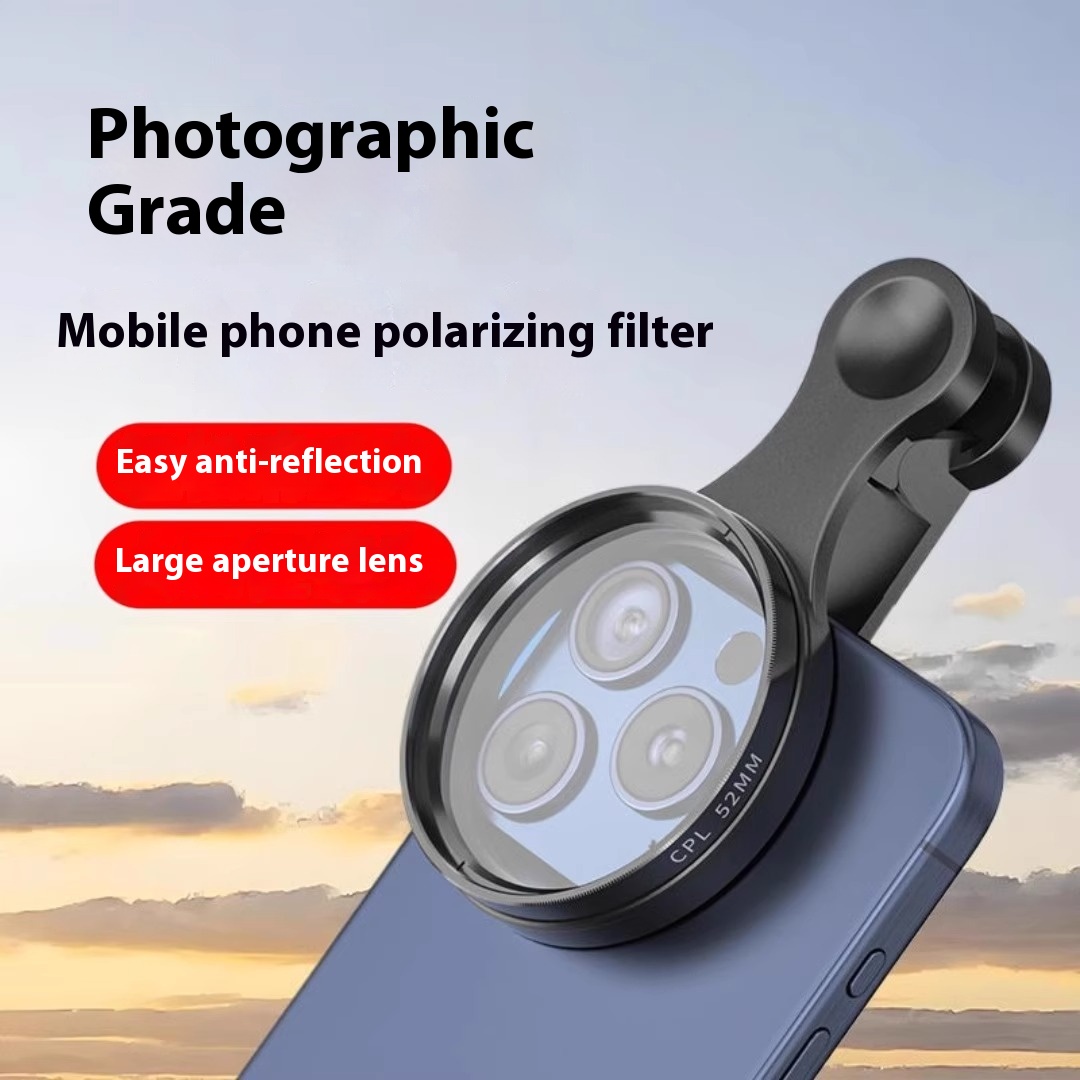
Mobile Phone Polarized Lens Photography Filter for HD Photo Enhancement
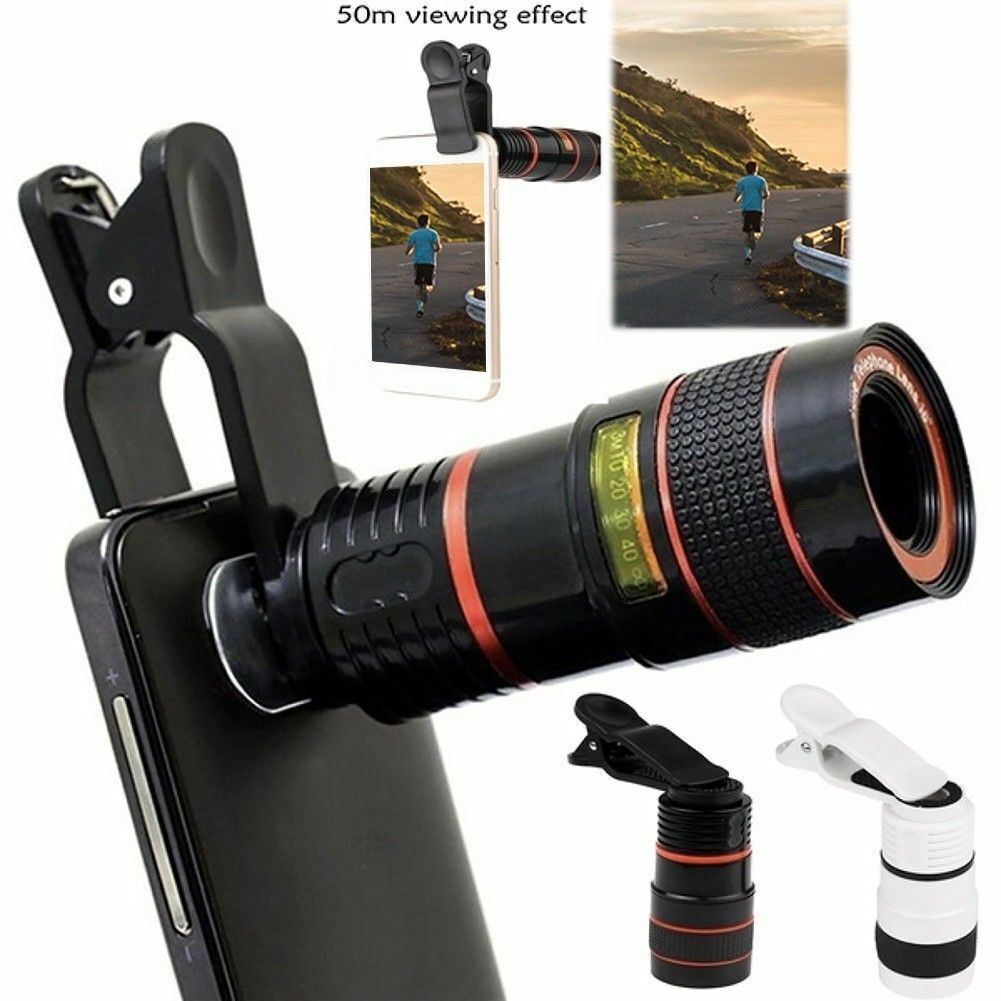
HD 8X Clip-On Optical Zoom Telescope Lens for All Universal Mobile Phones
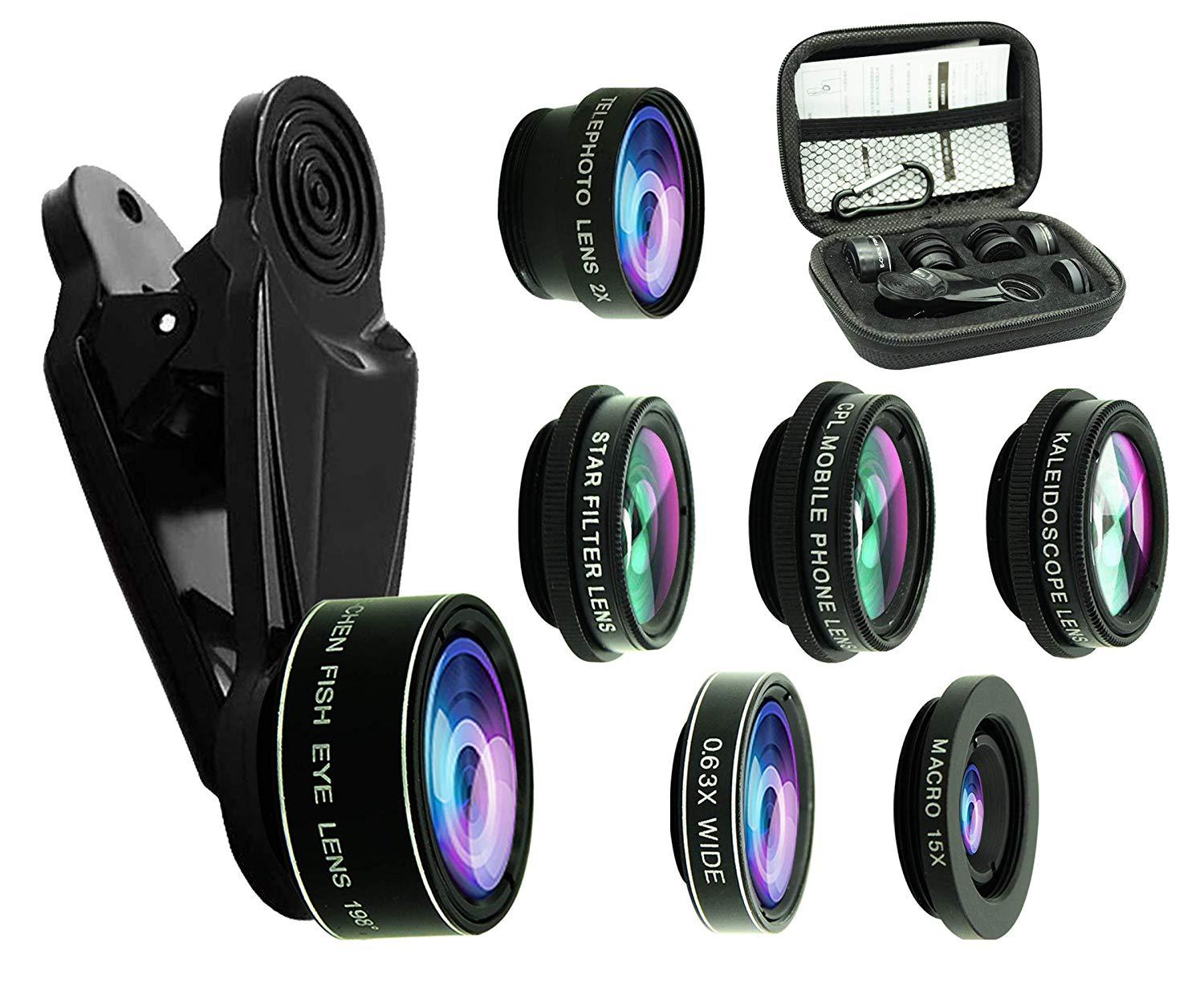
7pcs Mobile Phone Lens Set: Fisheye, Wide-angle, Macro, Telephoto & Polarized