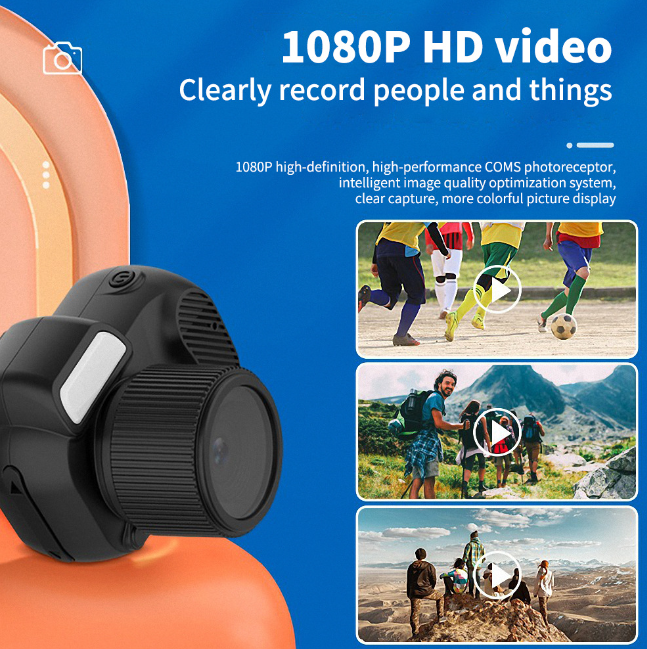
Capturing stunning videos is an art, but shaky footage can easily ruin your masterpiece. If you’ve ever watched a shaky video and felt dizzy or frustrated, you understand the importance of stabilization. Whether you’re recording family memories, creating content for social media, or producing professional videos, mastering stabilization techniques is essential for achieving smooth, engaging footage. Here’s how to elevate your video game and keep your audience glued to the screen.
Invest in the Right Tools
First and foremost, invest in the right tools. A tripod or gimbal can be a game-changer for anyone serious about video production. These devices are designed to keep your camera steady, allowing you to move freely without sacrificing quality. A good tripod offers a stable base for static shots, while a gimbal provides dynamic stabilization for moving scenes. With these tools in your arsenal, you’ll be well on your way to creating professional-looking videos.
Techniques to Minimize Shakes
If you don’t have access to stabilization equipment, fear not! There are plenty of techniques you can employ to minimize shakes. One effective method is to adopt the “ninja walk.” This involves:
- Bending your knees slightly
- Walking on the balls of your feet to absorb movement
By using this technique, you can create a smoother motion when filming handheld. Additionally, keeping your elbows close to your body will help you maintain control and reduce unwanted jitters.
The Importance of Lighting
Lighting plays a crucial role in video quality as well. A well-lit scene can make your footage look clearer and more professional, even if it’s a bit shaky. Natural light is your best friend, so try to film during the golden hour when the light is soft and flattering. If you’re shooting indoors, consider using:
- Softbox lights
- Ring lights
Good lighting can mask some of the imperfections caused by shaky hands.
Editing Software as Your Ally
Editing software can be your best ally in the battle against shaky videos. Many programs, like Adobe Premiere Pro and Final Cut Pro, offer stabilization features that can smooth out your footage post-production. These tools analyze the video and adjust the frame, creating a more polished final product. While this won’t fix every issue, it can significantly enhance the overall viewing experience.
Practice Makes Perfect
Lastly, practice makes perfect. The more you film, the better you’ll become at controlling your camera movements. Experiment with different techniques and equipment to find what works best for you. Don’t be afraid to make mistakes; each shaky video is a stepping stone to improvement.
Conclusion
In conclusion, achieving smooth, professional videos is within your reach. By investing in stabilization tools, employing helpful techniques, utilizing good lighting, and leveraging editing software, you can transform your shaky footage into captivating visuals. Start your journey to flawless videos today, and watch your content shine like never before!
Related products
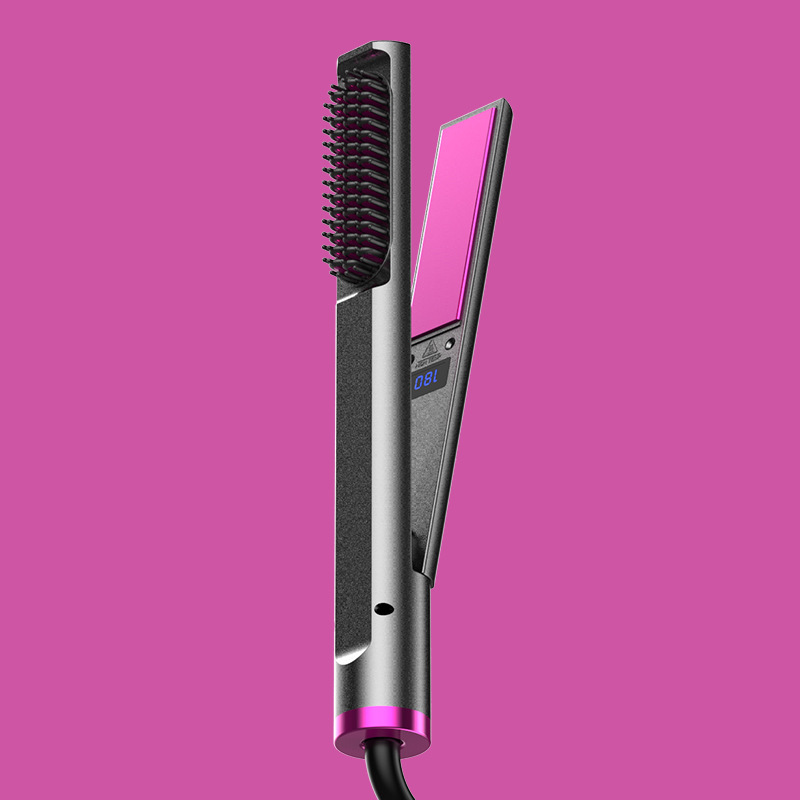
Protect Your Curling Iron: Essential Tips to Avoid Damage
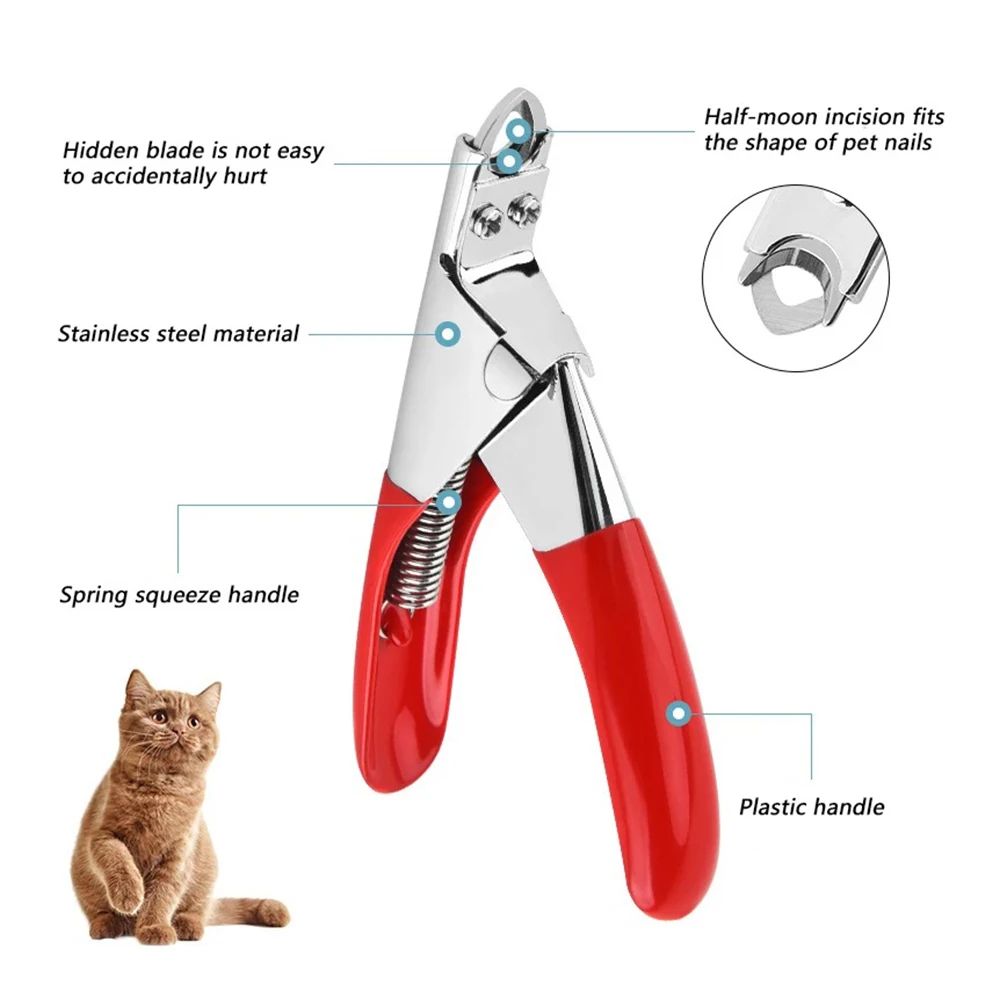
Professional Dog Nail Clippers – Type U Word False Tips, Straight Edge Cutters, and Guillotine Nail Capsule for Perfect Manicure
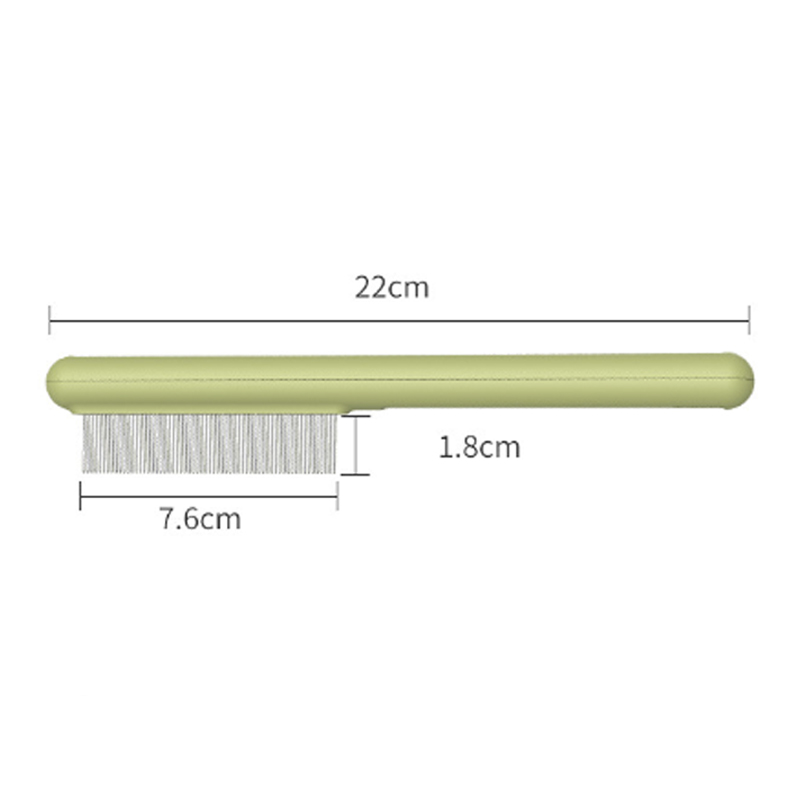
Stainless Steel Cat Comb with Rounded Teeth & Smooth Tips – Pet Massage Tool for Long & Short-Haired Cats, Effectively Removes Loose Hair, Fleas, and Lice