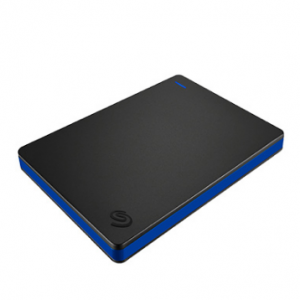
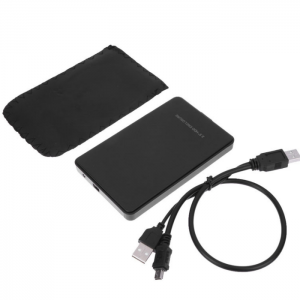
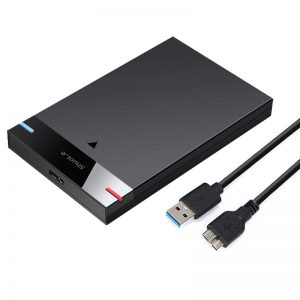
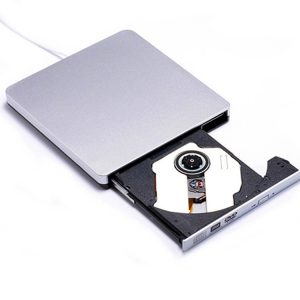
Choosing the right external hard drive for backups is a critical decision that can save you from data loss nightmares. Your precious files—photos, documents, and memories—deserve the best protection available. But how do you navigate the sea of options to find the perfect companion for your data?
Consider Capacity
Start by considering capacity. Depending on your storage needs, you might opt for a compact drive with a few hundred gigabytes or go for a larger terabyte model that can house your entire digital library. Think about your future needs as well; selecting a drive with a bit more capacity than you currently require can save you the hassle of upgrading later.
Reliability is Paramount
Next, reliability is paramount. Look for drives that are known for durability. Brands with solid reputations for quality often provide warranties that can give you peace of mind. A drive that’s built to withstand drops, shocks, and even water can be a lifesaver. Check reviews and ratings to ensure that your choice has a track record of reliability.
Speed Matters
Speed is another essential factor. If you regularly back up large files, a drive with a high data transfer rate can significantly reduce the time you spend waiting. Solid State Drives (SSDs) typically offer faster speeds compared to traditional Hard Disk Drives (HDDs), but at a higher price point. Weigh your budget against your need for speed—if time is of the essence, investing in an SSD could be worthwhile.
Compatibility with Your Devices
Compatibility with your devices is crucial. Ensure that the external hard drive you choose is compatible with your operating system, whether it’s Windows, macOS, or Linux. Some drives come pre-formatted for specific systems, while others can be easily reformatted to suit your needs. Don’t overlook this aspect; a drive that doesn’t work with your system is an expensive paperweight.
Portability Considerations
Portability is another consideration. If you plan to carry your backup drive with you, look for lightweight options that fit comfortably in your bag. A rugged, portable design can also protect your data during travel.
Additional Features
Lastly, consider additional features like encryption and software. Some external hard drives come with built-in encryption to keep your data secure from prying eyes. Others offer backup software that simplifies the backup process, making it easier to schedule regular backups without manual intervention.
Conclusion
In conclusion, choosing an external hard drive for backups involves balancing capacity, reliability, speed, compatibility, portability, and additional features. Investing time in selecting the right drive will safeguard your data and provide the peace of mind you deserve. Don’t wait until it’s too late—secure your digital life today with a dependable external hard drive that meets your unique needs!