Selecting the perfect monitor arm can revolutionize your workspace, enhancing comfort, ergonomics, and productivity. The right monitor arm allows you to customize your setup, creating a more efficient and organized environment. To make an informed decision, focus on key factors: VESA compatibility, weight capacity, and desk clamp style.
VESA Compatibility
VESA compatibility is crucial when selecting a monitor arm. VESA, or the Video Electronics Standards Association, provides a standardized mounting interface for monitors. Before purchasing a monitor arm, check your monitor’s VESA pattern, typically found in the user manual or on the back of the monitor. Ensure the arm you choose supports the specific VESA mounting pattern of your monitor—common configurations include:
- 75x75mm
- 100x100mm
A compatible arm guarantees a secure fit, preventing any wobbling or risk of damage to your equipment.
Weight Capacity
Next, consider the weight capacity of the monitor arm. Each arm has a maximum load it can support, and exceeding this limit can lead to instability or even failure. Weigh your monitor, including any additional accessories, to find a suitable arm. Many manufacturers provide detailed specifications, so look for arms that comfortably accommodate your monitor’s weight. A sturdy arm not only supports your monitor but also allows for seamless adjustments, giving you the flexibility to position your screen at the optimal angle.
Desk Clamp Style
The desk clamp style is another essential factor in choosing a monitor arm. There are generally three types of clamps:
- C-clamps: Attach to the edge of your desk and are ideal for most setups, offering a secure grip without damaging the surface.
- Grommet mounts: Require a pre-drilled hole in your desk, providing a sleek and permanent installation.
- Freestanding bases: Allow you to position the monitor arm anywhere on your desk without clamping, offering a more portable solution.
Evaluate your workspace and select a clamp style that complements your aesthetic and functional needs.
Benefits of a Quality Monitor Arm
Investing in a quality monitor arm not only enhances your workspace but also promotes better posture and reduces strain on your neck and eyes. With adjustable height, tilt, and swivel features, you can create a personalized viewing experience that caters to your unique working style. Imagine effortlessly adjusting your monitor’s position with a simple touch, allowing you to shift from focused work to collaborative discussions in seconds.
Conclusion
In conclusion, choosing the right monitor arm involves considering VESA compatibility, weight capacity, and desk clamp style. By taking the time to assess these factors, you can create a workspace that maximizes your productivity and comfort. Elevate your setup today, and experience the transformative benefits of a well-chosen monitor arm. Your back—and your work—will thank you.
Related products
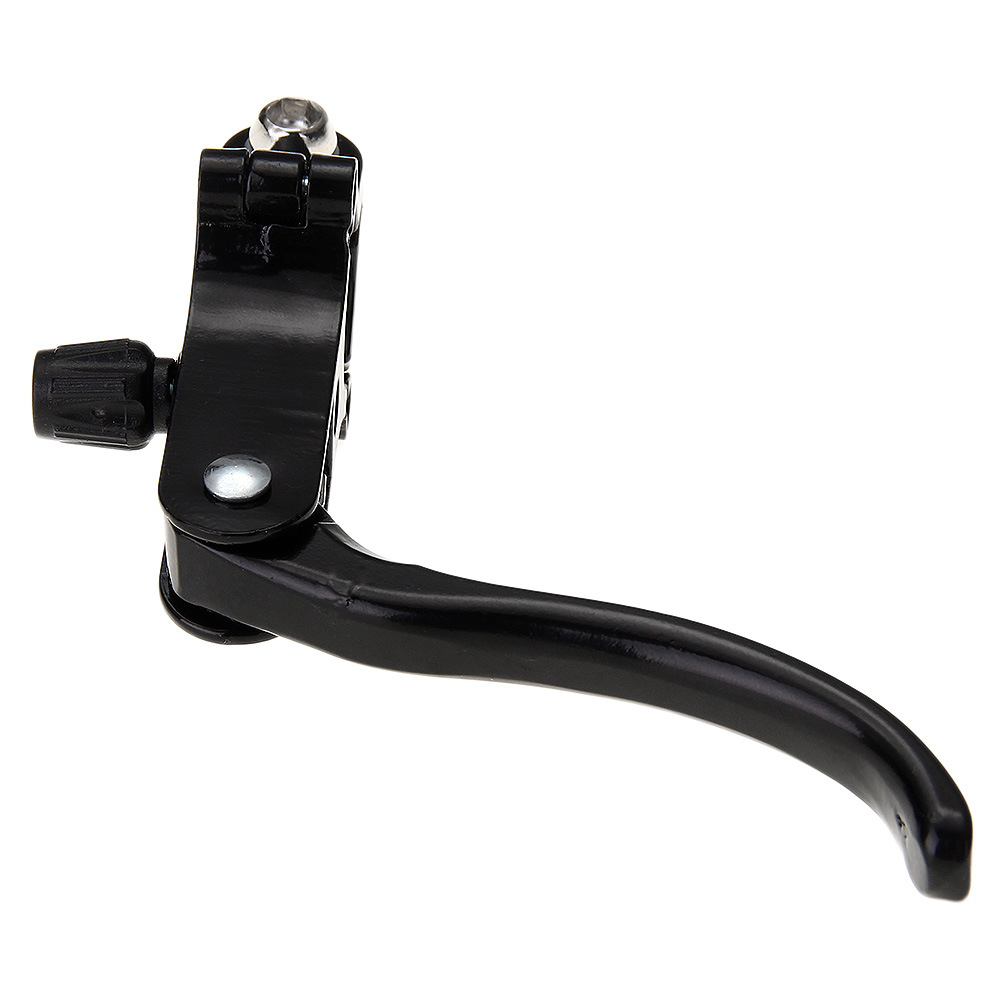
Durable Aluminum Alloy Long Arm Clamp Bicycle Brake Set for Superior Stopping Power
Motorbike Front Wheel Clamp Bracket & Stand | Wheel Arm Rocker Arm

Professional Dog Nail Clippers – Type U Word False Tips, Straight Edge Cutters, and Guillotine Nail Capsule for Perfect Manicure