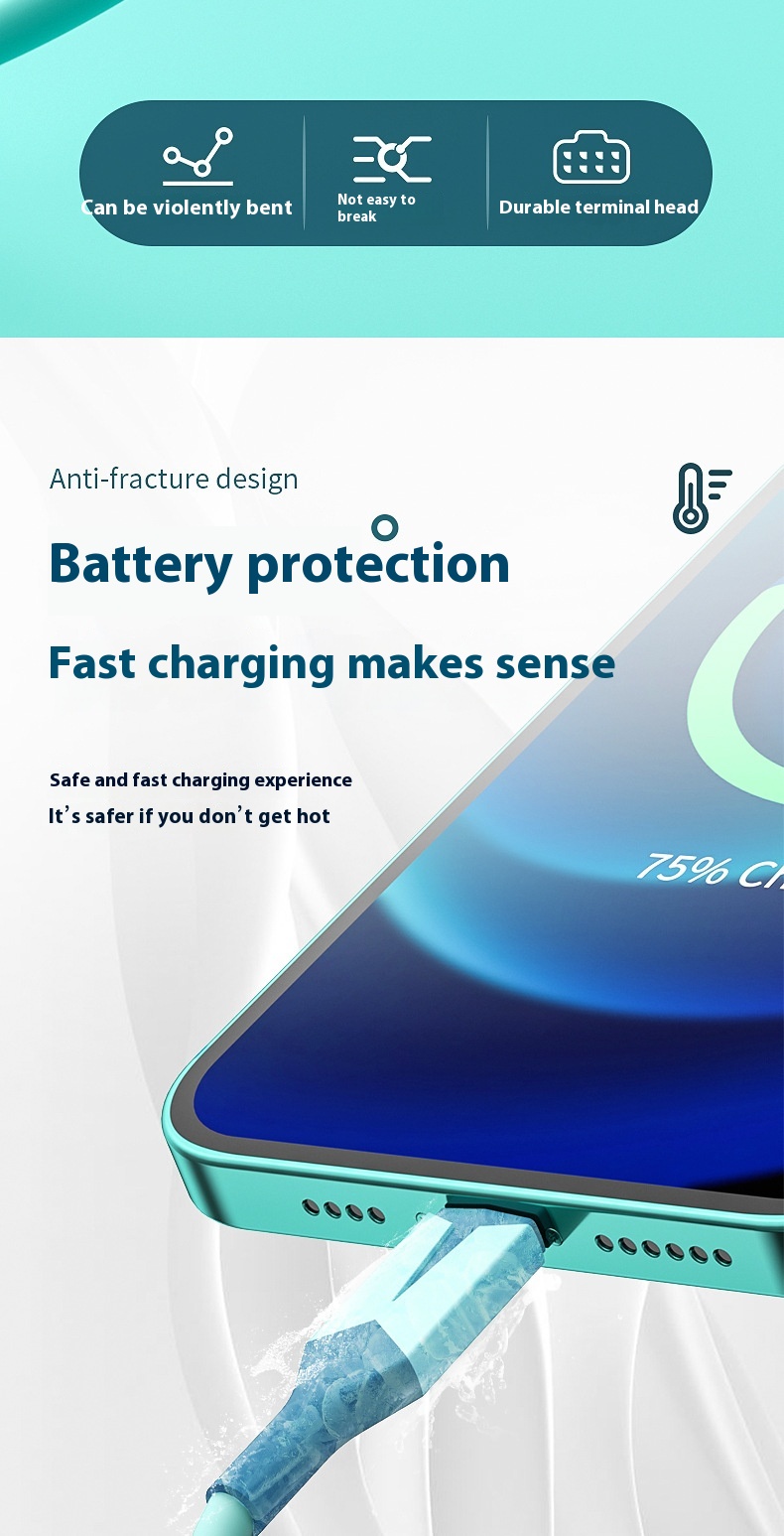
Cleaning your phone’s charging port can feel daunting, especially with the potential risks of damaging your device. Yet, maintaining a clean charging port is essential for optimal performance and longevity of your phone. Dust, lint, and debris can accumulate, leading to slow charging or even connection issues. Fortunately, with the right approach and tools, you can safely clean your charging port without causing any damage.
Essential Tools for Cleaning
Start with the right tools. A can of compressed air is your best friend in this endeavor. It’s specifically designed to blow away debris without physically touching the sensitive components inside your phone. Ensure you hold the can upright and use short bursts to prevent moisture from entering the port. This method is effective and minimizes the risk of harm to your device.
Removing Stubborn Debris
If you encounter stubborn dirt or lint that compressed air alone cannot eliminate, consider using a wooden or plastic toothpick. Avoid metal tools, as they can scratch the interior of the port or damage the connectors. Gently insert the toothpick into the port, angling it carefully to scoop out any debris. Remember to be gentle; you want to clear out the dirt without risking damage to the delicate pins inside.
Using a Toothbrush
For those who prefer a more thorough approach, a soft-bristled toothbrush can be a great addition to your cleaning toolkit. Lightly brushing the interior of the charging port can dislodge any stubborn particles. Make sure the bristles are clean and dry to avoid adding moisture to the port.
Final Inspection
After cleaning, inspect the port closely. Use a flashlight to check for any remaining debris. If everything looks clear, give your charging cable a quick wipe to ensure it’s free of dust and grime before reinserting it into the port.
Regular Maintenance
Regular maintenance can extend the life of your phone and enhance its charging efficiency. Incorporating this cleaning routine into your smartphone care regimen will help you avoid costly repairs down the line.
Professional Help
If you prefer a professional touch, consider visiting a certified technician who specializes in smartphone repairs. They have the experience and tools to clean your device safely and effectively, ensuring that no damage occurs during the process. Investing in professional services not only gives you peace of mind but also guarantees that your phone remains in peak condition.
Conclusion
In conclusion, maintaining a clean charging port is not just about aesthetics; it’s about ensuring your device functions at its best. By following these simple steps or seeking professional help, you can keep your phone charging smoothly and efficiently. Don’t wait until you experience charging issues—take action today to protect your investment and enhance your phone’s performance!
Related products

LED Luminous Nylon Mesh Dog Collar with Type-C Charging Port – Waterproof Design
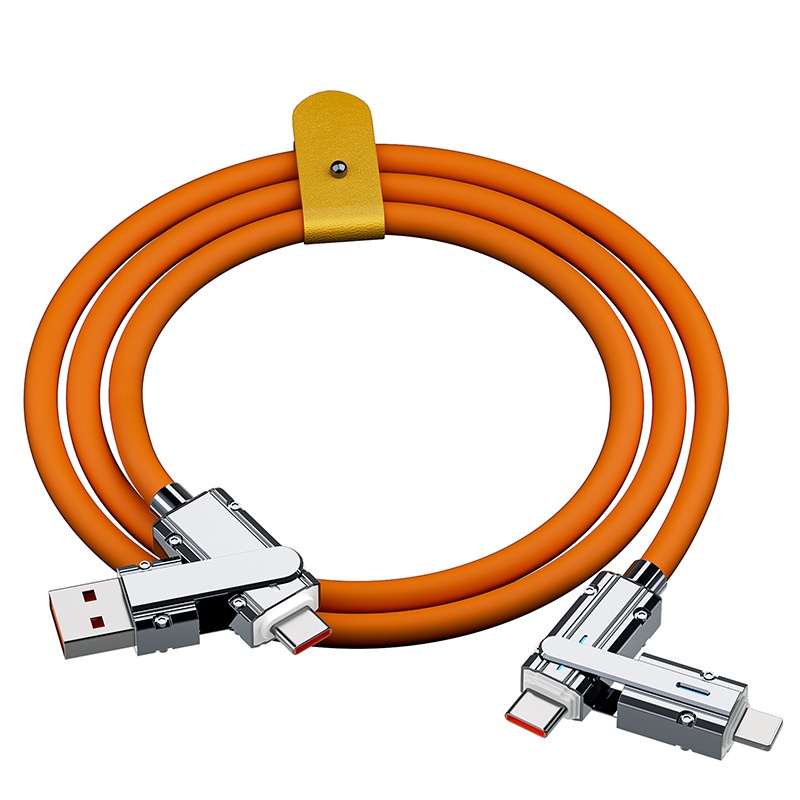
Fast Charge Cable for Mobile Phone Charging – Rapid and Efficient Power Solution
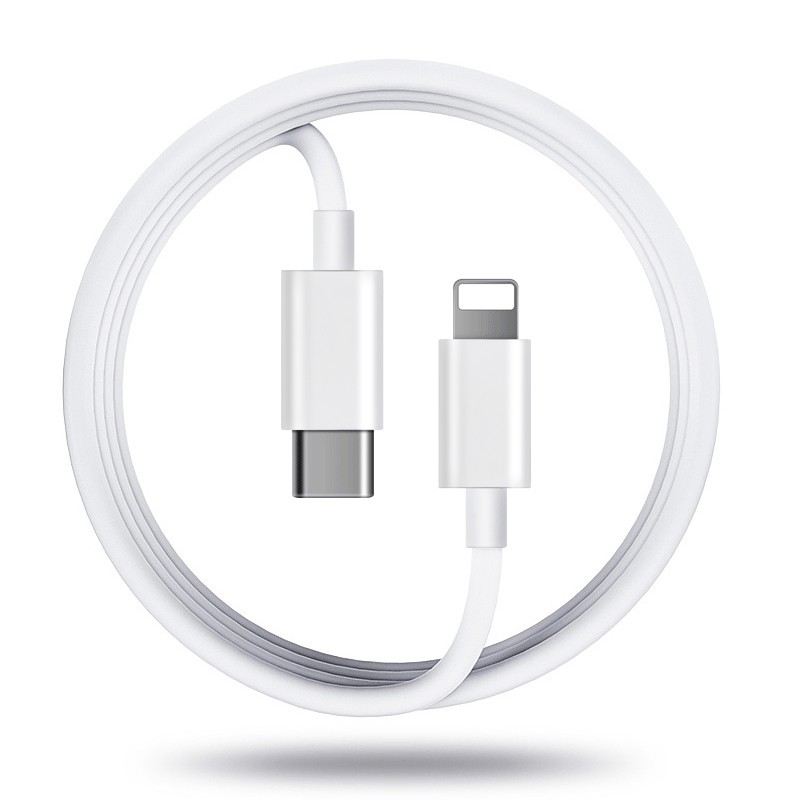
Fast Charge Mobile Phone Charging Cable for Quick Data Transfer