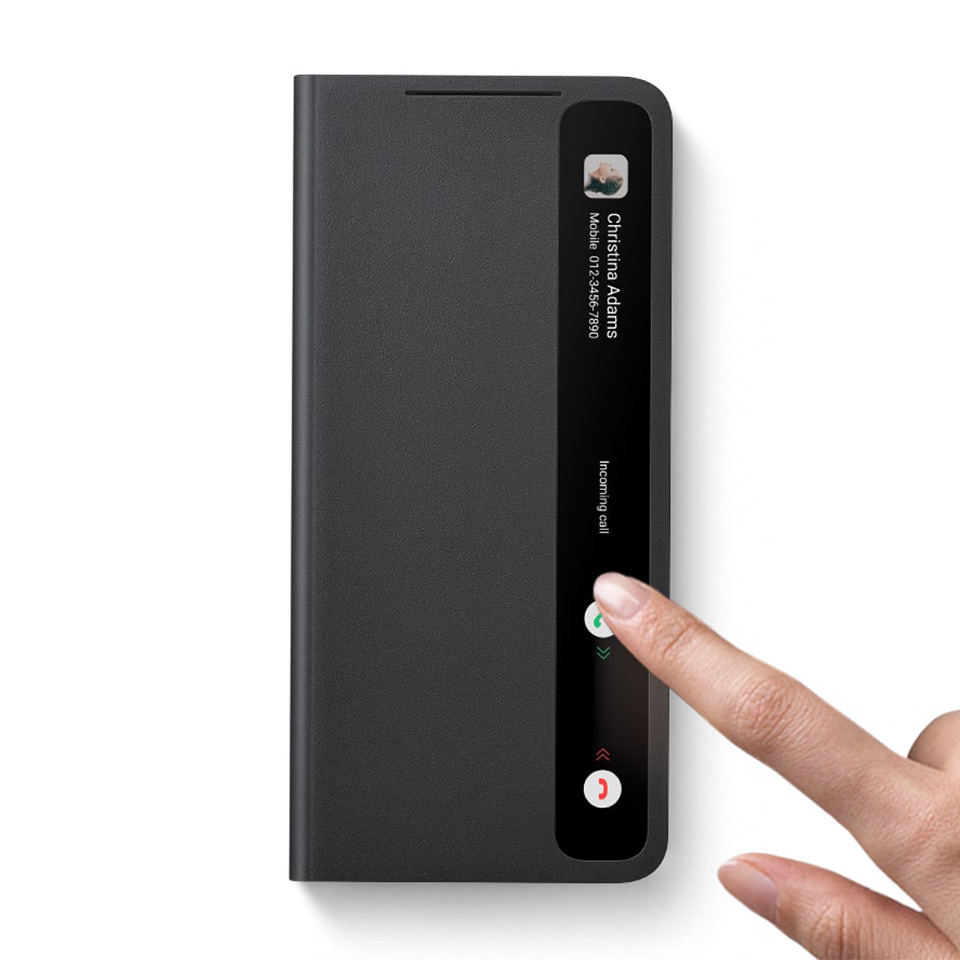
Choosing the right stylus can make all the difference in your creative or productivity journey. Whether you’re an artist sketching your next masterpiece or a professional taking notes, compatibility and latency are crucial factors that can enhance your experience.
Check Compatibility
Start by checking compatibility with your device. Not all styluses work seamlessly with every tablet or smartphone. Leading brands often provide a list of compatible devices, so be sure to cross-reference your device model before making a purchase. For instance, Apple Pencil is designed specifically for iPads, ensuring a perfect fit and optimal performance. Choosing a stylus that’s made for your device guarantees you won’t face frustrating moments where your stylus simply doesn’t respond.
Consider Latency
Latency, or the delay between your stylus movement and the corresponding action on screen, is another key aspect to consider. A stylus with low latency offers a more natural and fluid experience, mimicking the feel of writing on paper. Look for styluses that advertise minimal lag, typically below 10 milliseconds. This is especially important for artists who rely on precision and fluidity to bring their visions to life. Brands like Wacom and Microsoft have invested heavily in technology that minimizes latency, making their products popular choices among creative professionals.
Evaluate Pressure Sensitivity
Another factor to weigh is pressure sensitivity. This feature enables your stylus to recognize varying levels of pressure, allowing for different line thicknesses and shading techniques. If you’re an artist, a stylus with high pressure sensitivity will elevate your work, providing more control and versatility in your creations.
Ergonomics Matter
Don’t overlook the ergonomics of the stylus either. A comfortable grip can enhance your productivity and reduce fatigue during long sessions. Look for styluses with:
- Textured grips
- Customizable weights
These features can make a significant difference during extended use.
Additional Features to Consider
Lastly, consider additional features that may elevate your stylus experience. Some styluses come with programmable buttons that allow for quick access to frequently used functions, such as erasing or switching tools. This can streamline your workflow, making it easier to stay focused on your tasks.
Conclusion
In conclusion, selecting the right stylus involves a careful examination of compatibility, latency, pressure sensitivity, ergonomics, and special features. By doing your homework and understanding these factors, you can find a stylus that not only meets your needs but enhances your overall experience. Make the right choice today, and unlock your creative potential with a stylus that works for you!
Related products
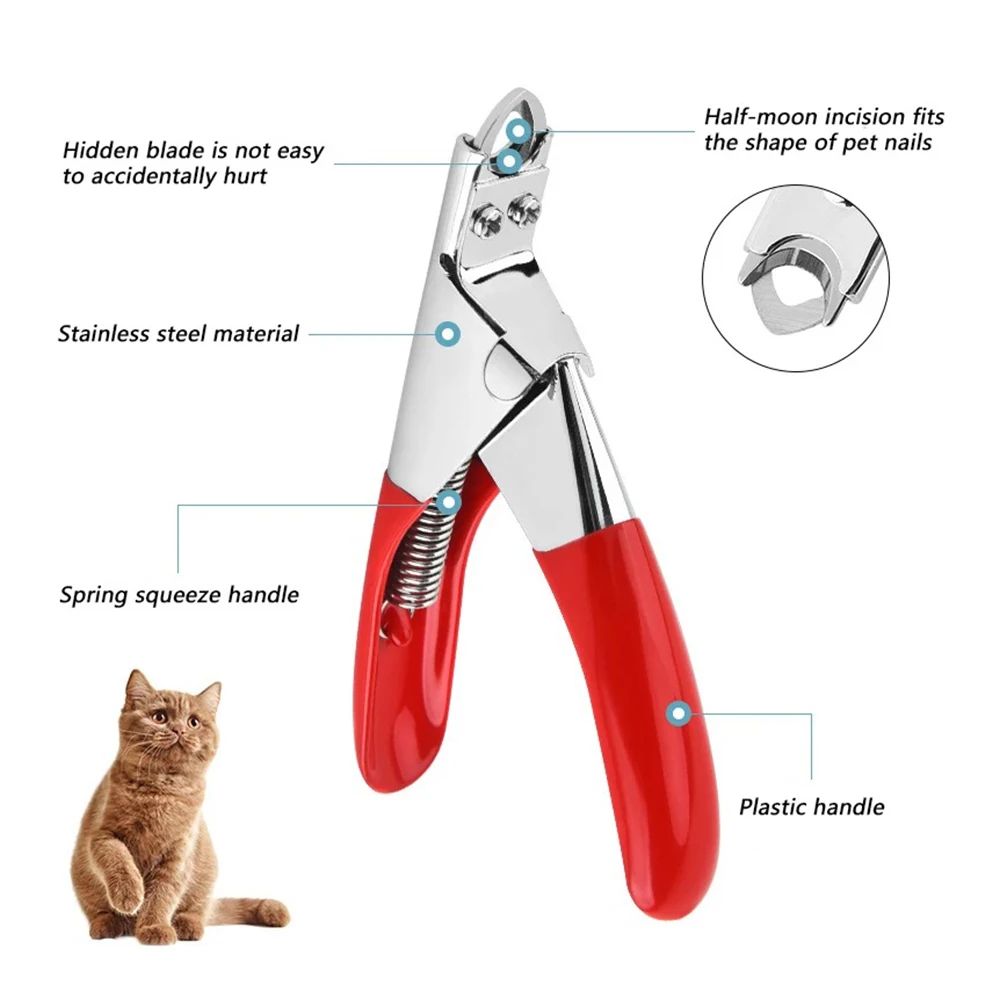
Professional Dog Nail Clippers – Type U Word False Tips, Straight Edge Cutters, and Guillotine Nail Capsule for Perfect Manicure
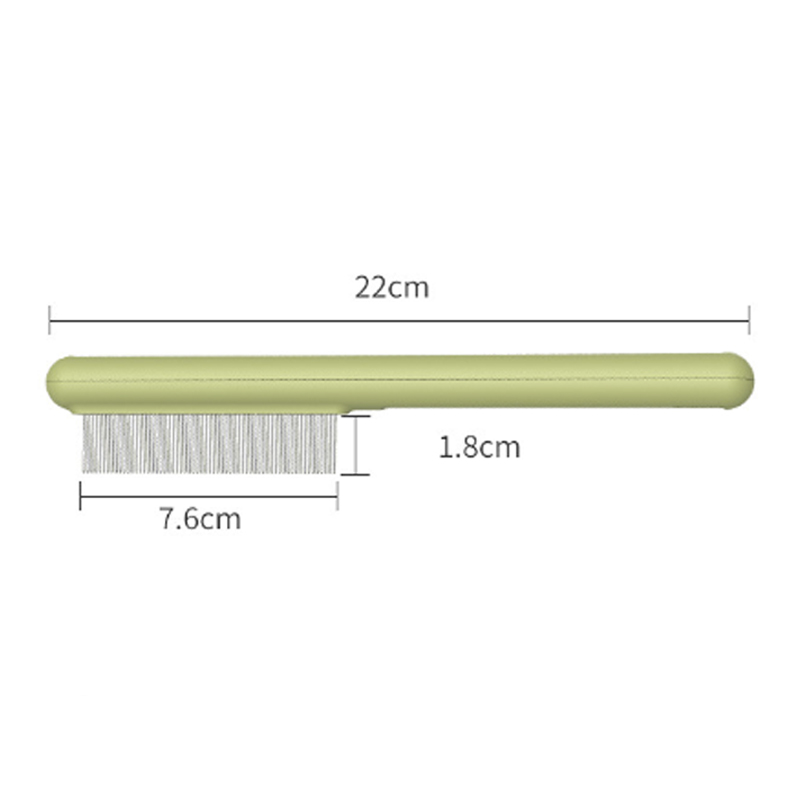
Stainless Steel Cat Comb with Rounded Teeth & Smooth Tips – Pet Massage Tool for Long & Short-Haired Cats, Effectively Removes Loose Hair, Fleas, and Lice
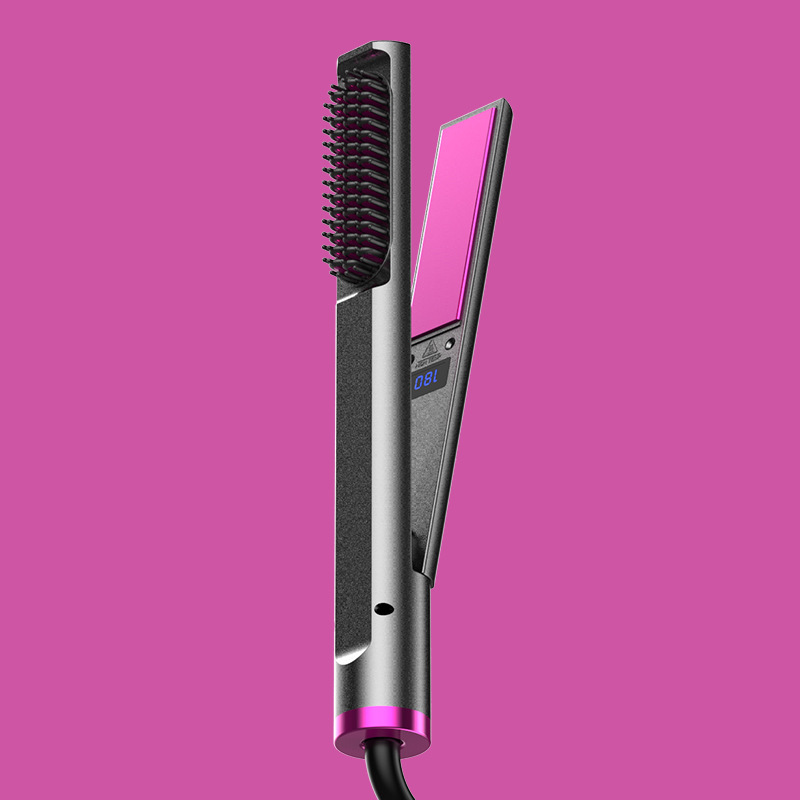
Protect Your Curling Iron: Essential Tips to Avoid Damage