Finding the perfect stylus for your tablet can feel like searching for a needle in a haystack, especially with the plethora of options available. However, understanding compatibility and latency can simplify your selection process and lead you to the ideal tool for your creative and productivity needs.
1. Compatibility
Start with compatibility. Different tablets have specific requirements for stylus use, and not every stylus will work with every device. For instance, Apple’s iPad has its own Apple Pencil, while many Android tablets require a different approach. Before making a purchase, check your tablet’s specifications. Look for styluses that explicitly mention compatibility with your model. This ensures that you’ll have a seamless experience without unexpected issues.
2. Stylus Technology
Next, consider the stylus technology. There are two main types of styluses:
- Active styluses: These contain electronic components and typically offer pressure sensitivity and palm rejection, making them the preferred choice for artists and professionals.
- Passive styluses: Generally less expensive, these may not provide the same level of precision or functionality.
If your work involves intricate designs or detailed note-taking, investing in an active stylus can elevate your experience significantly.
3. Latency
Latency is another crucial factor to consider. It refers to the delay between your stylus movement and the corresponding response on the screen. A low-latency stylus will provide a more natural writing or drawing experience, as it mimics the feel of pen on paper. Look for models that advertise low latency specifications, particularly if you plan to use the stylus for drawing or digital art. Brands like Wacom and Microsoft Surface Pen have made significant strides in reducing latency, enhancing the overall user experience.
4. Additional Features
Don’t overlook additional features that can enhance your stylus experience. Some styluses come with:
- Customizable buttons: These allow you to program shortcuts for various tasks, improving your workflow.
- Rechargeable models: A wise investment, as they often provide longer usage times and reduced environmental waste compared to disposable batteries.
5. User Reviews
User reviews can be an invaluable resource in your decision-making process. Reading about others’ experiences with specific styluses can offer insights into performance, durability, and ease of use. Pay attention to feedback related to compatibility and latency, as these elements are often the most critical for users.
Conclusion
In summary, selecting the right stylus for your tablet boils down to understanding compatibility, assessing latency, and considering additional features. By doing your research and choosing wisely, you can enhance your tablet experience, whether for work, study, or creative pursuits. Don’t rush the process; the right stylus can transform your tablet into a powerful tool, allowing you to unleash your creativity and productivity like never before.
Related products
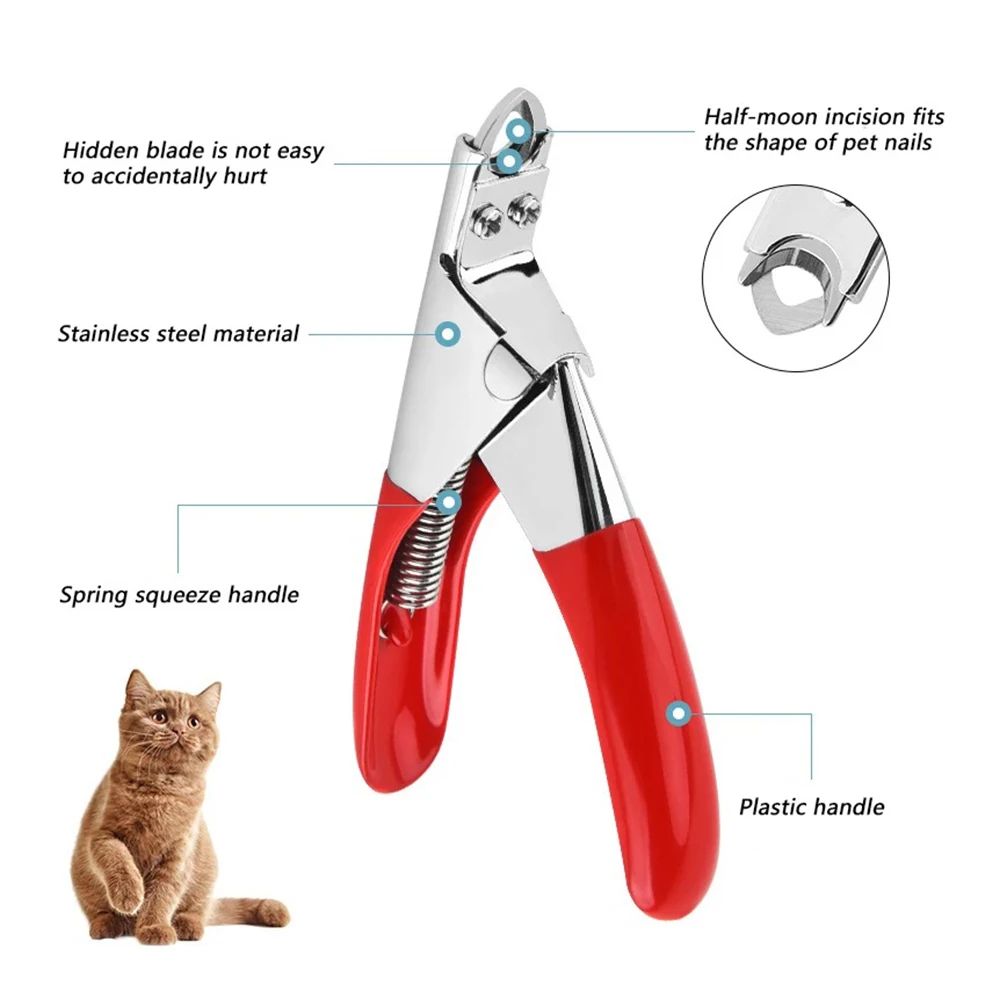
Professional Dog Nail Clippers – Type U Word False Tips, Straight Edge Cutters, and Guillotine Nail Capsule for Perfect Manicure
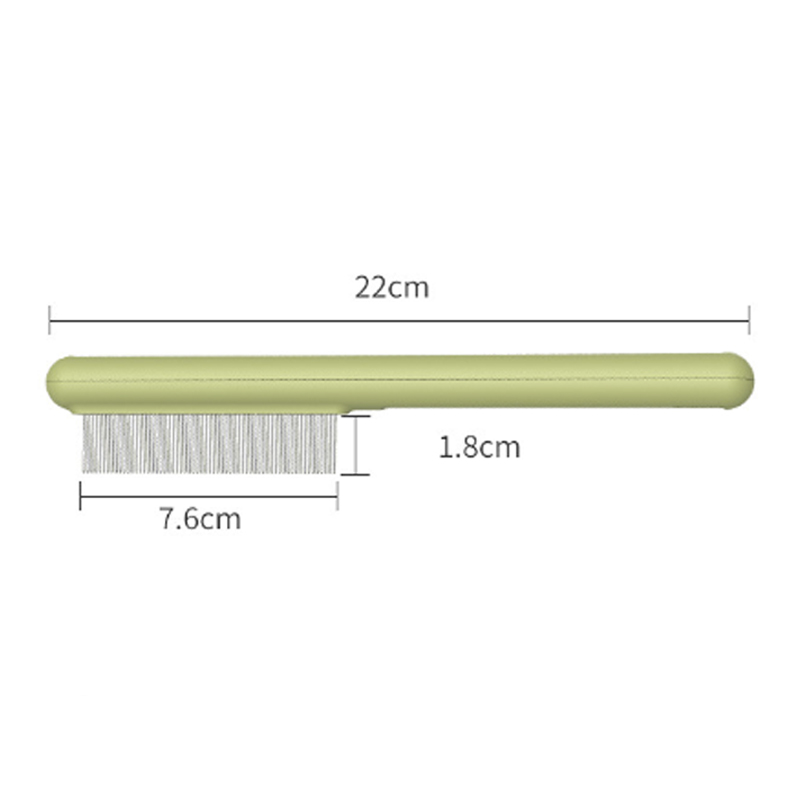
Stainless Steel Cat Comb with Rounded Teeth & Smooth Tips – Pet Massage Tool for Long & Short-Haired Cats, Effectively Removes Loose Hair, Fleas, and Lice
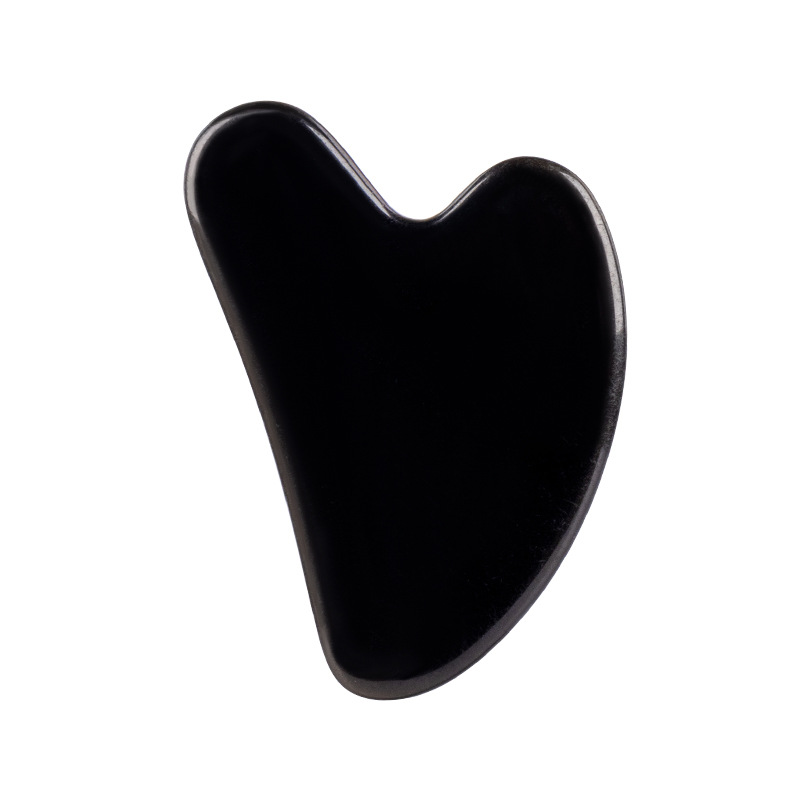
Jade Scraping Tablets – Effective Jade Scraping Massager for Relaxation