
Selecting the right tablet for note-taking can transform your productivity and creativity, making it essential to understand the nuances of stylus and app compatibility. The perfect combination can turn your tablet into a powerful digital notebook, tailored to your unique needs.
Choosing the Right Stylus
First, consider the stylus. Not all styluses are created equal. A high-quality stylus provides precision and responsiveness, mimicking the feel of pen on paper. Look for tablets that come with an active stylus, such as:
- Apple Pencil for iPad
- Surface Pen for Microsoft Surface devices
These options offer pressure sensitivity and tilt recognition, allowing for a natural writing experience. Imagine effortlessly sketching diagrams or jotting down notes with the fluidity of traditional writing. The tactile feedback and responsiveness of these styluses make all the difference in your note-taking experience.
Exploring Note-Taking Apps
Next, delve into the realm of apps. The ideal note-taking app can elevate your tablet from a simple device to a sophisticated tool. Applications like:
- Notability
- GoodNotes
- Microsoft OneNote
cater to various preferences and workflows. They offer features like:
- Handwriting recognition
- Customizable templates
- Cloud syncing
Ensuring your notes are always accessible. Envision organizing your notes by subject or project, with the ability to search handwritten notes effortlessly. This level of organization can streamline your study or work sessions, enabling you to focus on what truly matters.
Compatibility Matters
Compatibility is also crucial. Ensure that the tablet you choose supports the stylus and apps that suit your needs. For instance, if you favor a certain app, check whether it is optimized for the tablet’s operating system. Some apps perform better on specific devices, enhancing your overall experience. A seamless integration between hardware and software will empower you to maximize your note-taking potential.
Battery Life and Portability
Battery life and portability are additional factors to weigh. A tablet that can last through long study sessions or meetings without frequent recharging is invaluable. Look for lightweight options that you can easily carry around, whether you’re:
- Commuting
- Attending lectures
- Working from a café
The convenience of having a portable, powerful note-taking device at your fingertips is a game-changer.
Research and Recommendations
Lastly, don’t forget to explore user reviews and expert recommendations. Real-world experiences can provide insights into how well a tablet performs in actual note-taking scenarios. Look for testimonials that highlight the strengths and weaknesses of different models. This research will help you make an informed decision, ensuring that your investment meets your specific needs.
Conclusion
In conclusion, choosing the right tablet for note-taking hinges on the perfect blend of stylus and app compatibility, along with considerations of portability and battery life. By prioritizing these elements, you can select a device that not only suits your note-taking style but also enhances your overall productivity. Equip yourself with the right tools, and watch your ideas flourish on the digital page.
Related products

Six Color Index Post-it Notes – Reusable Color-Coded Note Taking Tool
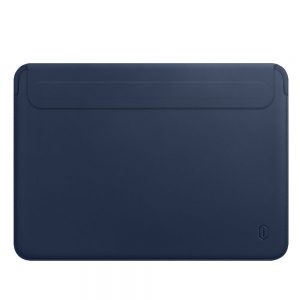
Apple-Compatible PU Leather Liner Bag for Notebook, MacBook, iPad, Tablet – Protective Case
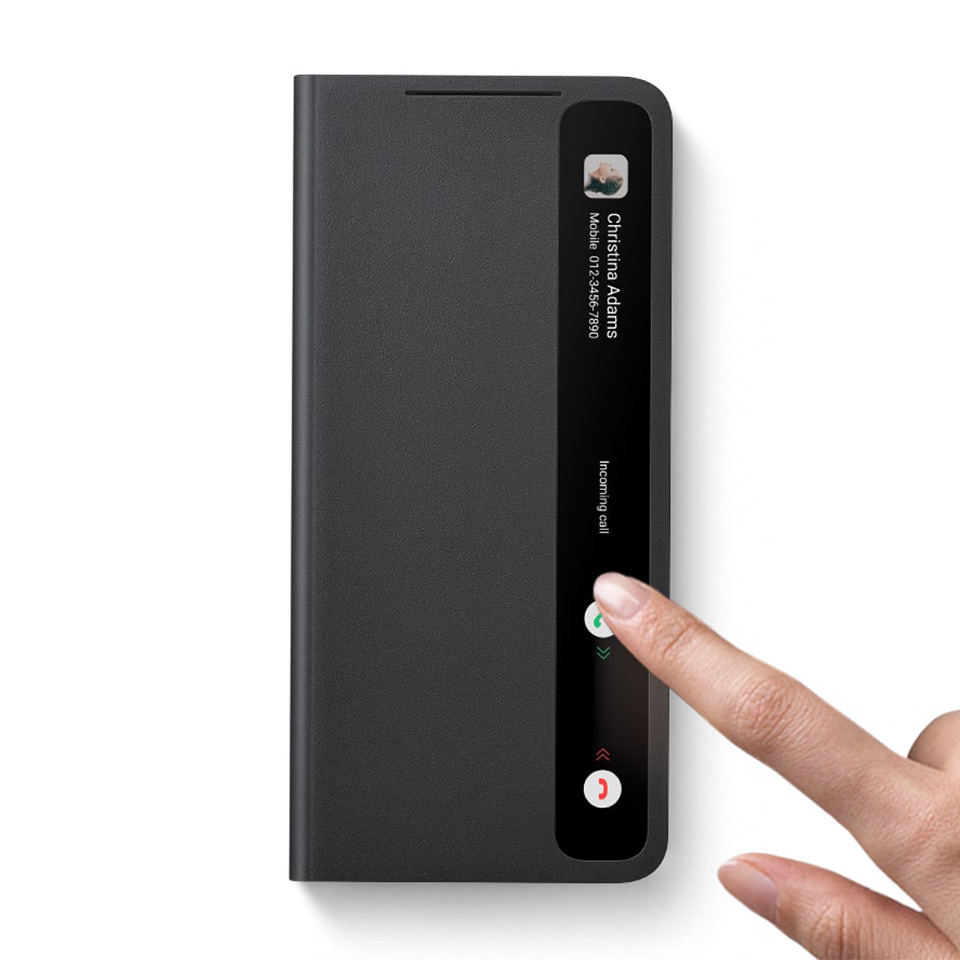
Samsung S21 Ultra Original Mirror Flip Cover Case with Spen Stylus – Silicone Protective Design
