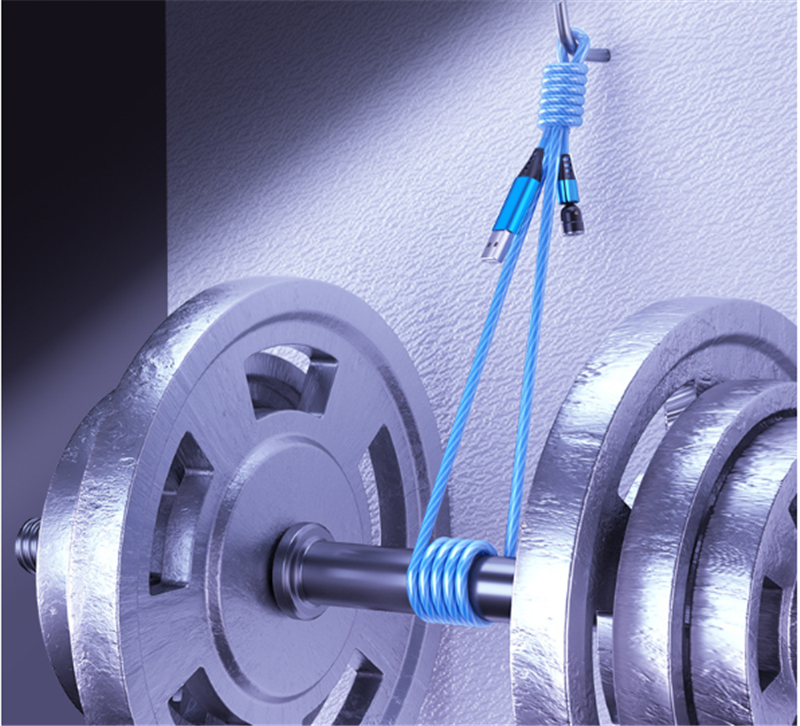
Choosing the right USB-C to USB-C cable can feel like searching for a needle in a haystack, especially with so many options available. However, making the right choice is essential for ensuring optimal performance and compatibility with your devices. Whether you need to charge your laptop, sync data, or connect to external displays, understanding the key features of USB-C cables will help you make an informed decision.
Key Features to Consider
Power Delivery (PD) Capabilities
First and foremost, consider the power delivery (PD) capabilities of the cable. Not all USB-C cables support the same wattage. If you own a laptop that requires a significant amount of power, look for cables that can handle 60W or even 100W for fast charging. A cable that meets these specifications ensures your devices charge efficiently, allowing you to spend less time tethered to a power outlet and more time on the go.
Data Transfer Speeds
Data transfer speeds are another critical factor. USB-C cables can support various data transfer standards, from USB 2.0 to USB 3.2 and beyond. For high-speed data transfer, opt for cables that support USB 3.1 or higher, which can transfer data at speeds of up to 10 Gbps or more. This is particularly important if you regularly move large files or use external storage devices.
Durability
Durability is often overlooked but is crucial for long-term satisfaction. Look for cables with:
- Reinforced connectors
- Braided exteriors
These tend to withstand wear and tear better than standard cables. A robust cable not only lasts longer but also provides a reliable connection, reducing the risk of interruptions during important tasks.
Compatibility
Compatibility is key in ensuring your devices work seamlessly together. While USB-C is a universal standard, not all cables support every feature across all devices. Check that the cable you choose is compatible with your specific devices, especially if you’re connecting to external displays or using additional features like video output. Cables that support DisplayPort Alt Mode can be a game-changer for connecting to monitors and projectors.
Price Considerations
Price is always a consideration, but remember that investing in a quality cable can save you money in the long run. Cheaper options may not deliver the same performance or durability, leading to frequent replacements. Look for reputable brands that offer warranties or guarantees, giving you peace of mind that you’re making a wise investment.
User Reviews
Lastly, user reviews can provide invaluable insight. Take the time to read what others have to say about the cables you’re considering. Real-world experiences often highlight strengths and weaknesses that specifications alone cannot convey.
Conclusion
Choosing the right USB-C to USB-C cable is more than just a matter of preference; it can significantly impact your device’s performance. By considering power delivery, data transfer speeds, durability, compatibility, and price, you can confidently select a cable that meets your needs. Elevate your tech experience and enjoy seamless connectivity with the perfect USB-C cable!
Related products
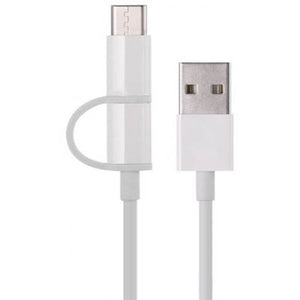
Micro USB Cable – White Charging Cable for Fast and Reliable Power
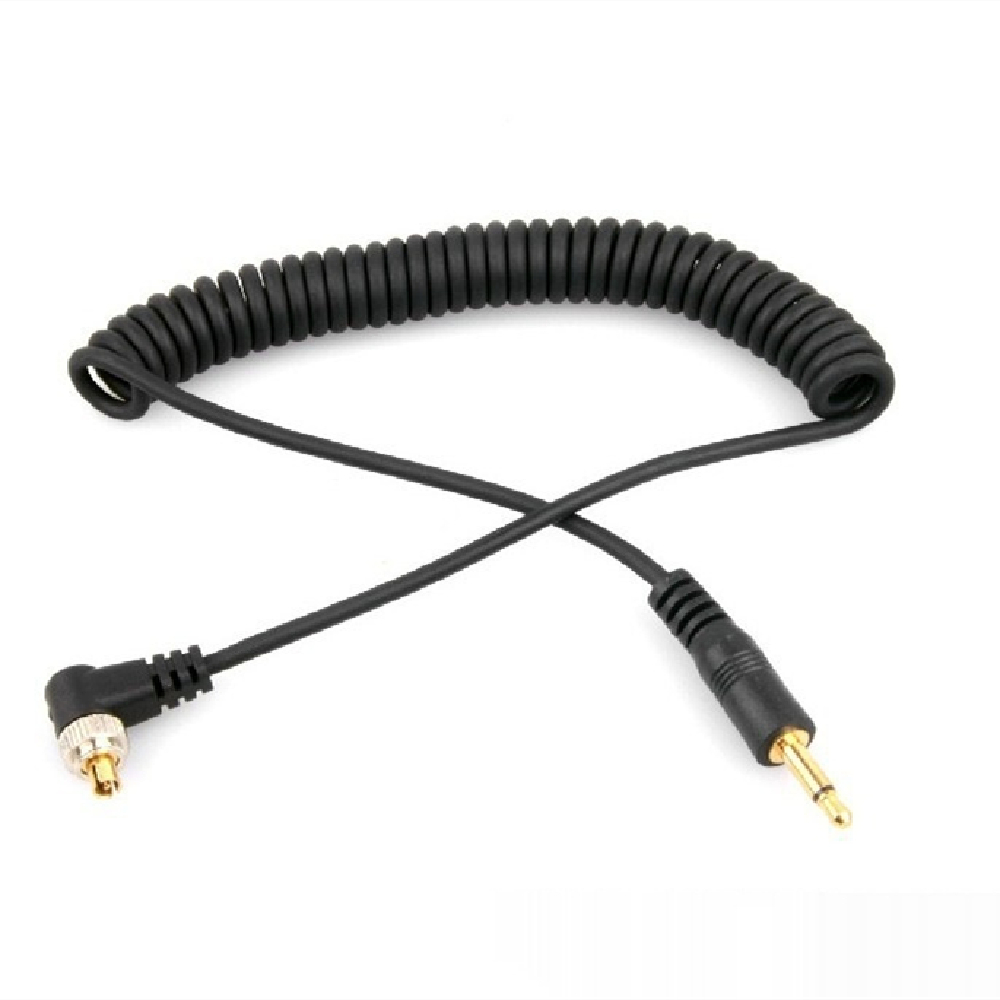
USB Cable Male Connector for Lamp PC – Adjustable Length 30-100cm

Square USB Cable Protection Sleeve – Durable Anti-Break Design for Longevity