Bluetooth audio lag can be the Achilles’ heel of an otherwise flawless listening experience. Whether you’re streaming your favorite playlist or catching up on the latest podcast, that annoying delay can turn joy into frustration. Fortunately, there are effective ways to eliminate this audio lag and enhance your wireless listening.
Check Your Device Settings
Start by checking your device settings. Many smartphones and computers come with options to adjust Bluetooth audio quality. For instance, enabling aptX or AAC codec support can significantly reduce latency. These codecs are designed for high-quality audio transmission and can make a noticeable difference. Ensure your device supports these codecs and that they are enabled in the Bluetooth settings.
Consider Your Bluetooth Version
Next, consider your Bluetooth version. Devices equipped with Bluetooth 5.0 or higher offer improved bandwidth and reduced lag. If you’re using older devices, it might be time for an upgrade. Newer headphones or speakers are often optimized for low latency, providing a seamless audio experience. Investing in high-quality audio devices can be a game changer, allowing you to enjoy your media without distractions.
Keep Your Devices Updated
Also, keep your devices updated. Manufacturers frequently release firmware updates that enhance performance and fix bugs. A quick check in your device’s settings can ensure you’re running the latest software, which could include improvements to Bluetooth connectivity.
Minimize Distance and Obstacles
Another tip is to minimize the distance between your audio source and your Bluetooth device. Obstacles like walls or other electronic devices can interfere with the signal, leading to a lag. Try to keep your smartphone or computer close to your headphones or speakers for the best performance.
Reset Your Bluetooth Connections
Finally, consider resetting your Bluetooth connections. Disconnecting and reconnecting your devices can clear up any glitches that might be causing lag. If issues persist, unpairing and re-pairing your devices can refresh the connection and improve performance.
Conclusion
By following these tips and making informed choices about your devices and settings, you can effectively fix Bluetooth audio lag. Say goodbye to frustration and hello to an immersive, uninterrupted audio experience. Enjoy the freedom of wireless sound without missing a beat!
Related products
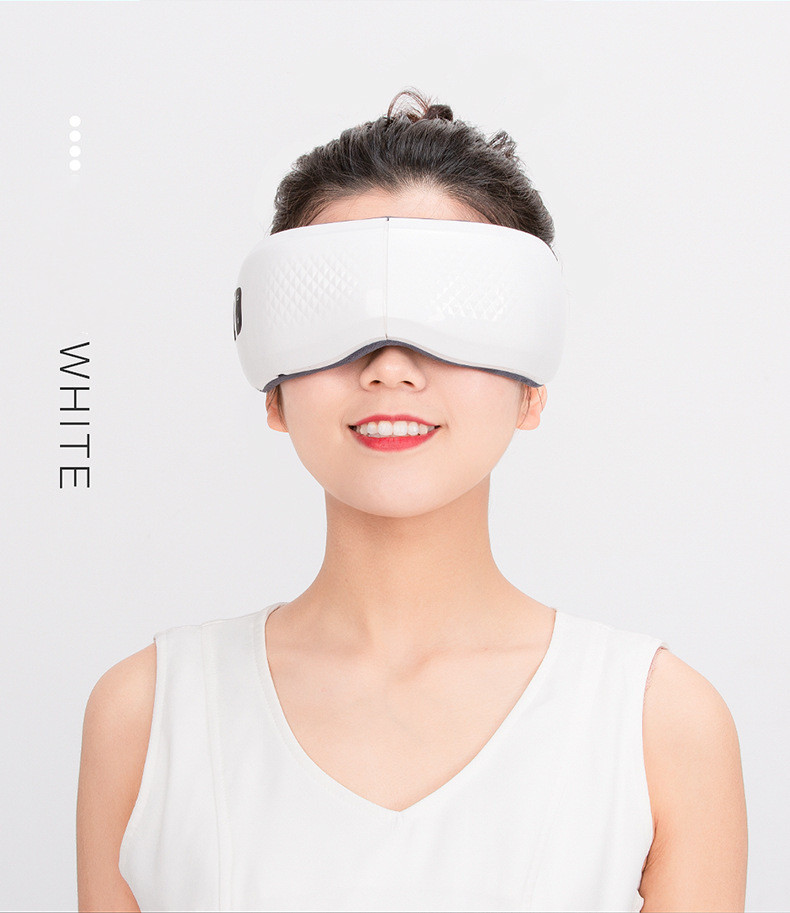
Bluetooth-Compatible Vibrating Hot Compress Airbag Kneading Eye Protection Device for Sleep Aid
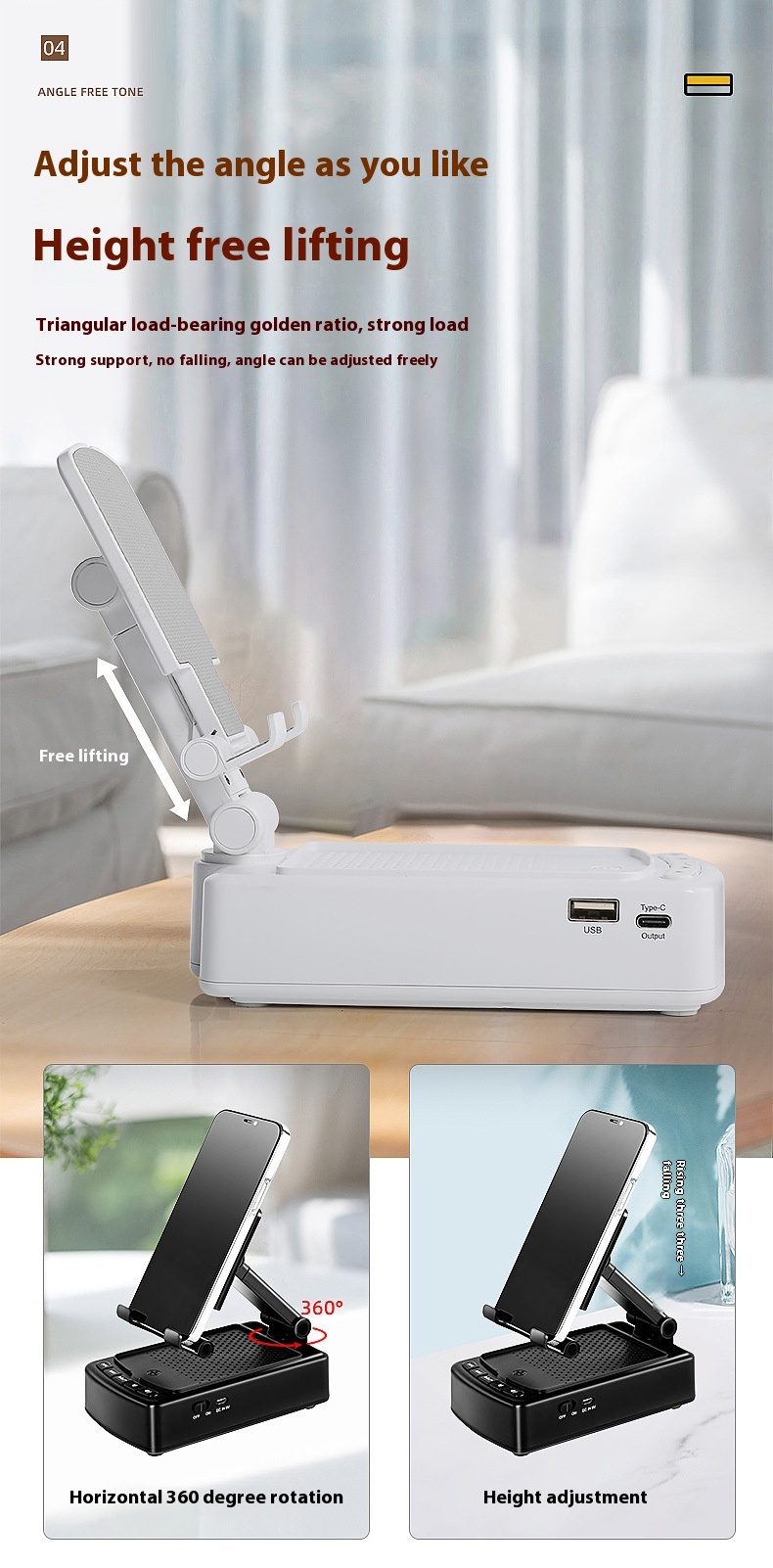
Versatile Tablet and Phone Holder with Bluetooth-Compatible Audio Features
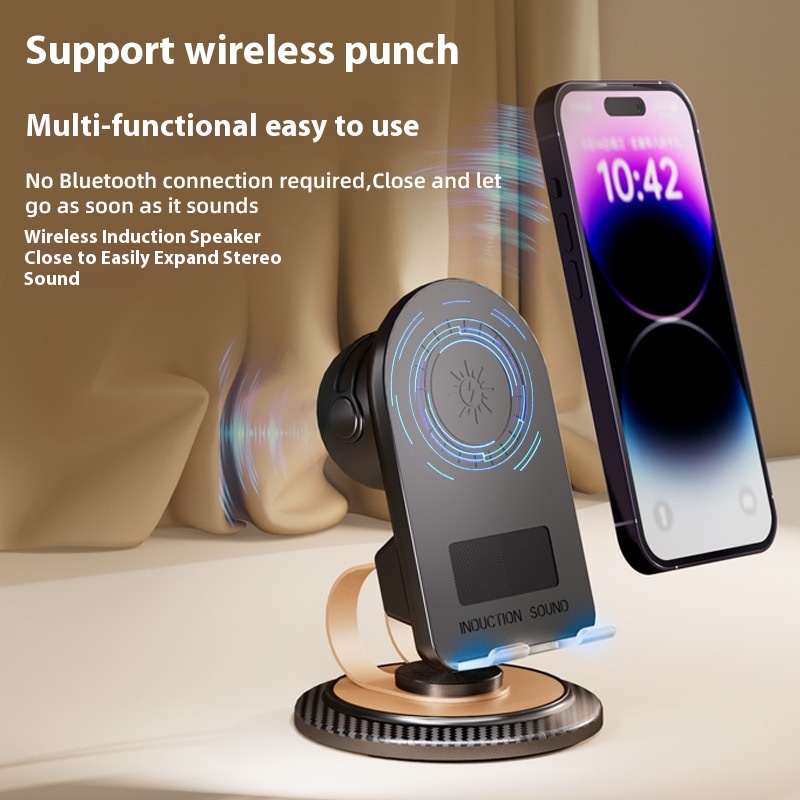
Portable Multi-function Audio Induction Bluetooth Phone Stand – Desktop Folding Design