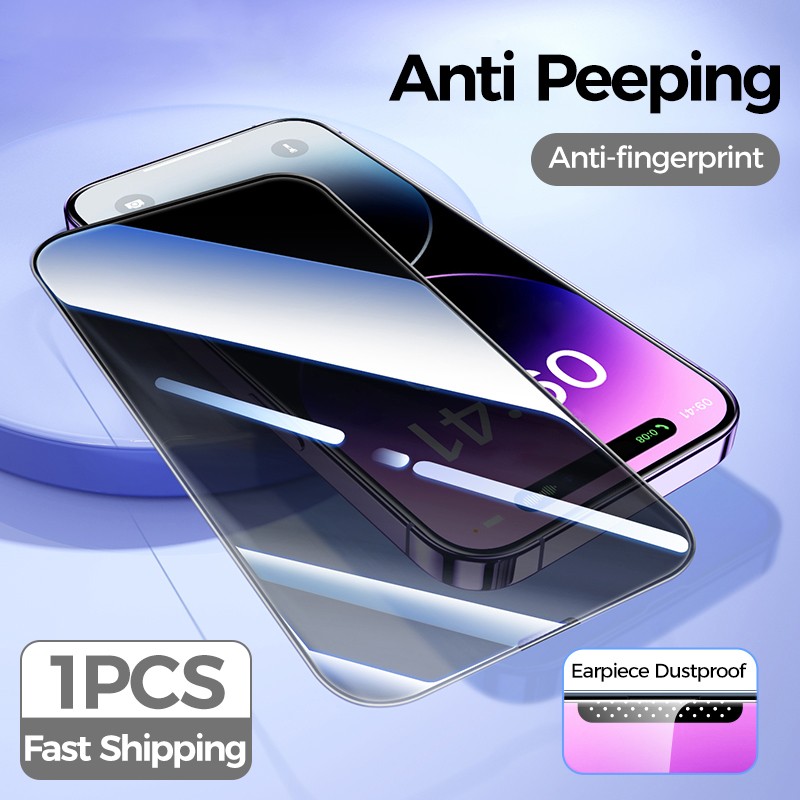
Installing a screen protector may seem like a daunting task, but it doesn’t have to be. Achieving a flawless finish without unsightly bubbles is entirely possible with the right approach and tools. Get ready to elevate your device’s protection game while keeping it sleek and smooth. Follow these steps to ensure a bubble-free application that not only looks great but also extends the life of your device.
Preparation
Preparation is key. Before diving into the installation process, gather your materials. You’ll need:
- A high-quality screen protector
- A microfiber cloth
- Some dust removal stickers
- A credit card or similar tool for smoothing
Having everything within reach will streamline the process and keep you focused.
Cleaning Your Device
Start by thoroughly cleaning your device’s screen. Dust, fingerprints, and oils can be the biggest culprits behind those annoying bubbles. Use the microfiber cloth to gently wipe the screen, ensuring that no debris is left behind. For stubborn spots, a little bit of screen cleaner can work wonders. Once the screen is spotless, take a moment to inspect it under good lighting to confirm it’s ready for the protector.
Dust Removal
Next, apply the dust removal stickers to pick up any lingering particles. This step is crucial, as even the tiniest speck can lead to an unsightly bubble. Carefully place the sticker on your screen and gently lift it away to reveal a pristine surface.
Aligning the Screen Protector
Now, it’s time to align the screen protector. Peel back the first layer of the protector, exposing the adhesive side. Hold the screen protector by the edges to avoid fingerprints. Carefully position it over your device’s screen, aligning it with the edges and cutouts. Take your time here; a precise alignment will help prevent future adjustment and potential bubbles.
Applying the Screen Protector
Once in place, gently lay the screen protector down from one side to the other. This method reduces the chances of air getting trapped underneath. As you lay it down, use your credit card or smoothing tool to push out any air bubbles toward the edges. Start from the center and work your way outwards, applying even pressure to ensure a tight seal.
Dealing with Bubbles
If you do spot a bubble, don’t panic. Simply lift the edge of the screen protector gently and use the smoothing tool to push the bubble out. Repeat this process until the surface is flawless. For any stubborn bubbles that refuse to budge, a bit of patience will go a long way.
Final Steps
Finally, let the screen protector settle for a few hours before using your device. This waiting period allows the adhesive to bond effectively, ensuring maximum durability and clarity.
Conclusion
By following these simple steps, you’ll not only protect your device from scratches and cracks but also maintain its aesthetic appeal. A high-quality screen protector not only safeguards your investment but enhances your overall user experience. Enjoy the peace of mind that comes with knowing your screen is protected without the distraction of unsightly bubbles. Upgrade your device today with a flawless installation that reflects your commitment to quality!
Related products
Tempered Glass Film Screen Protector for HD Mobile Phones – Ultimate Protection
Durable Tempered Glass Screen Protector Front Film for Ultimate Protection
Tempered Glass Screen Protector Compatible With 11 Pro Max, 12 Mini, 11 Pro, 12 Pro, XS, X, XR, 7, 8 Plus, 6, 6S, SE, 5S – Ultimate Protection Film