Wireless charging has revolutionized the way we power our devices, offering a convenient and cable-free solution. However, many users find themselves frustrated by the slower charging speeds compared to traditional wired methods. Understanding the reasons behind this sluggishness can help you optimize your charging experience and ensure your devices are powered up when you need them most.
Factors Contributing to Slow Wireless Charging
1. Alignment Issues
One major factor contributing to slow wireless charging is the alignment between the phone and the charging pad. Unlike wired chargers that connect directly, wireless chargers rely on electromagnetic fields. If your device is even slightly misaligned on the pad, it can lead to inefficient energy transfer. Ensuring proper alignment can significantly enhance charging speeds. Some high-quality charging pads even feature guides or magnets to help position your device correctly.
2. Charging Pad Wattage
Another common culprit is the charging pad’s wattage. Not all wireless chargers are created equal. Many standard models provide 5W of power, which can feel painfully slow. Upgrading to a more powerful charger, like one that supports 10W or even 15W, can drastically reduce charging times. Look for reputable brands that offer high-efficiency wireless chargers designed for your specific device, maximizing power delivery while maintaining safety.
3. Environmental Factors
Environmental factors also play a significant role in charging speed. Excessive heat can slow down the charging process as devices automatically reduce power intake to prevent damage. Make sure to use your charger in a cool, well-ventilated area. Consider investing in chargers with built-in cooling technology that helps dissipate heat, ensuring your device charges efficiently without overheating.
4. Phone Case Interference
The case on your phone might be another overlooked factor. Some thicker or metallic cases can interfere with the charging process, causing slowdowns or even preventing the device from charging entirely. Testing your charger without the case can reveal whether it’s contributing to the problem. If so, look for cases specifically designed to be wireless charging compatible, allowing for both protection and efficiency.
5. Importance of Software Updates
Finally, software updates play a crucial role in your device’s overall performance, including charging speeds. Manufacturers often release updates that optimize battery management and charging algorithms. Regularly updating your device ensures you’re benefiting from the latest enhancements and fixes.
Conclusion
By understanding these common causes of slow wireless charging, you can take proactive steps to improve your experience. Embrace the convenience of wireless technology with a few strategic upgrades and adjustments, and you’ll find that keeping your devices charged has never been easier. Don’t let slow charging hold you back; invest in the right tools and knowledge to supercharge your wireless charging journey today!
Related products
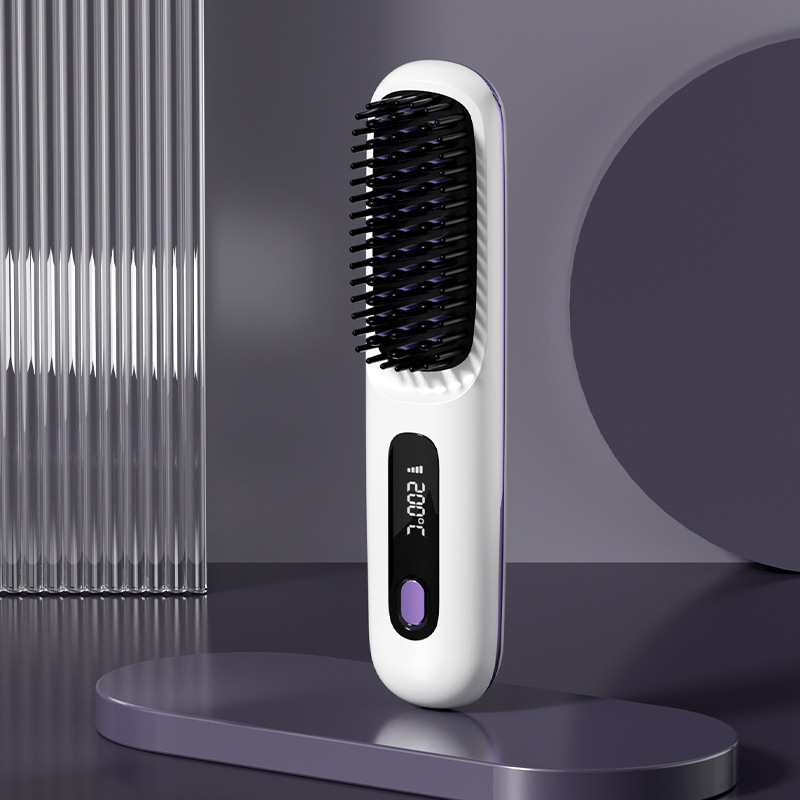
2-in-1 Wireless Hair Straightener Brush & Hot Curler – Fast Heating, USB Charging, Portable Hair Comb
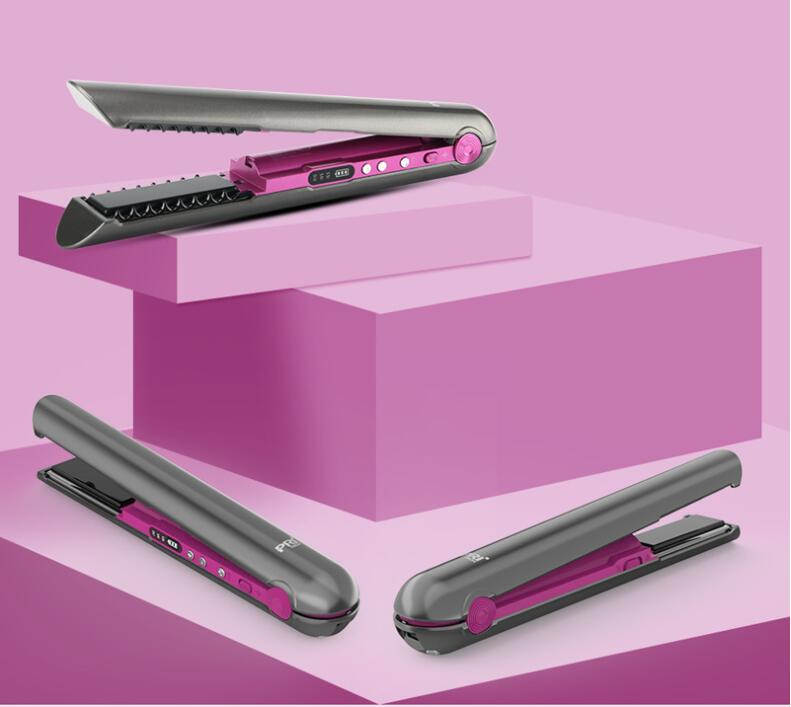
USB Wireless Charging Hair Straightener Brush – Effortless Styling on the Go
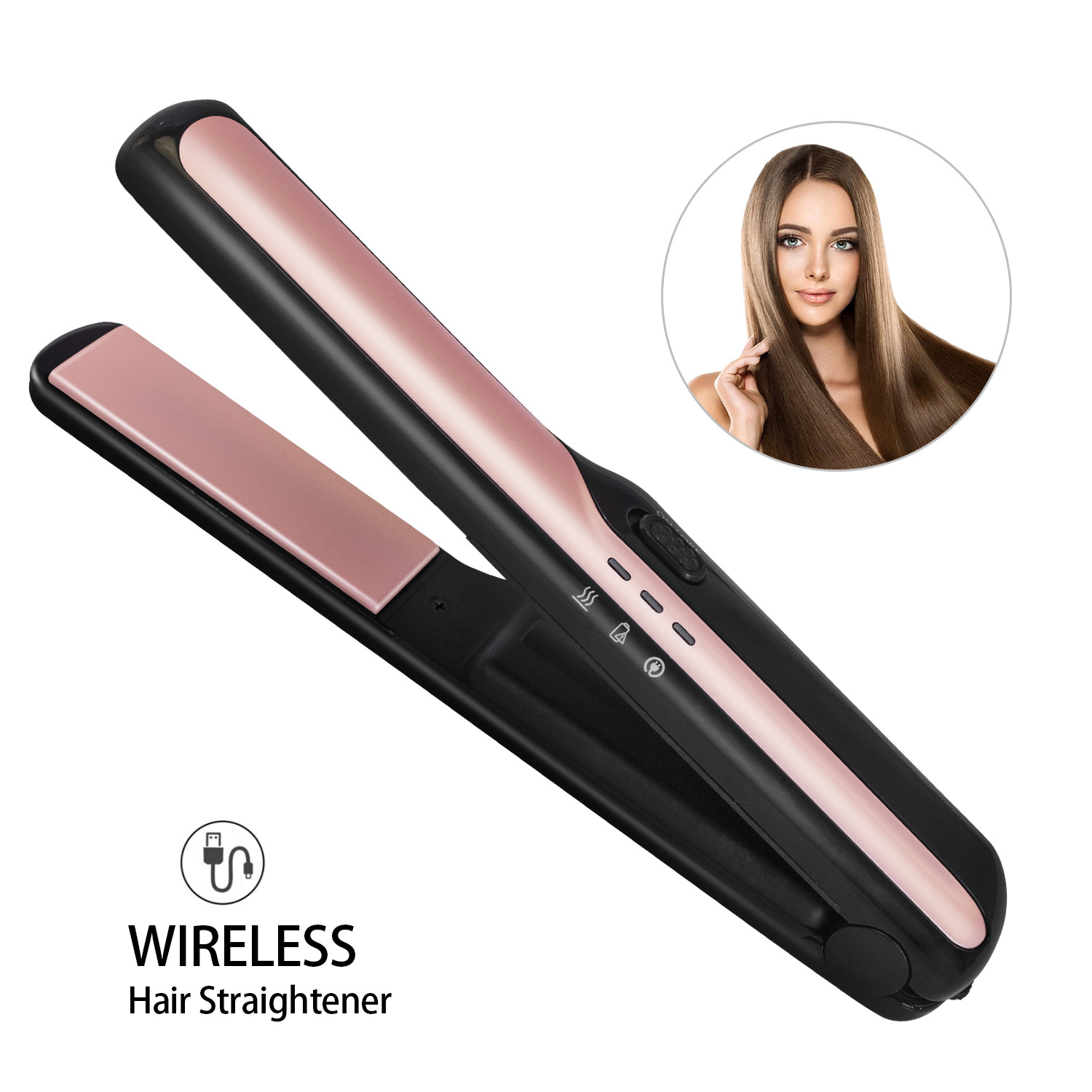
USB Wireless Charging Hair Straightener – Effortless Styling Anywhere