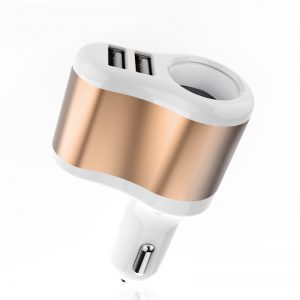
In a world where every second counts, the frustration of a sluggish phone charge can feel like an eternity. You plug in your device, eagerly awaiting that rapid boost of power, only to find it crawling along at a snail’s pace. This is not just an inconvenience; it can disrupt your entire day. So, what’s the deal? Let’s dive into the common culprits behind slow charging and discover how you can swiftly resolve these issues.
Common Culprits Behind Slow Charging
1. The Charger
Not all chargers are created equal. If you’re using a generic or older charger, it might not support fast charging capabilities. Fast charging typically requires specific voltage and current outputs, and an underpowered charger simply won’t deliver the juice your phone craves. Investing in a high-quality charger that is compatible with your device can make all the difference. Brands like Anker and Belkin offer reliable options that are engineered for efficiency and speed.
2. The Charging Cable
A worn-out or damaged cable can severely hinder your charging experience. Frayed wires or loose connectors can disrupt the flow of electricity, leading to a slow charge. Always inspect your cable for any signs of wear and tear. If your cable looks like it has seen better days, don’t hesitate to replace it with a durable, fast-charging certified cable. Look for options that support your device’s specific fast charging protocol, such as:
- USB Power Delivery
- Qualcomm Quick Charge
3. The Power Source
Additionally, check the power source you’re using. Plugging your charger into a low-power USB port—like those found on computers or older power strips—can drastically slow down charging speeds. Instead, connect to a wall outlet for the fastest and most reliable charging experience. For those on the go, consider a portable power bank that supports fast charging. This way, you can keep your device powered up anywhere, anytime.
4. The Phone Itself
Another key factor can be the phone itself. Overheating during charging can trigger safety mechanisms that limit charging speeds. Ensure your phone is in a cool, ventilated area while charging. If you notice your device gets too hot, it might be worth checking for software updates or background apps that could be consuming power excessively.
5. Phone Settings
Lastly, take a moment to review your phone’s settings. Some devices have specific charging modes or features that can impact speed. By enabling fast charging in your settings, you can harness the full potential of your charger and cable.
Conclusion
Don’t let slow charging derail your day. By troubleshooting these common issues, you can empower your device to charge at lightning speed. Upgrade your charger and cable, optimize your power source, and keep your phone cool. With these simple adjustments, you can ensure that your phone is always ready to go, maximizing efficiency in your busy life. Experience the thrill of a fast-charged device and never look back!
Related products
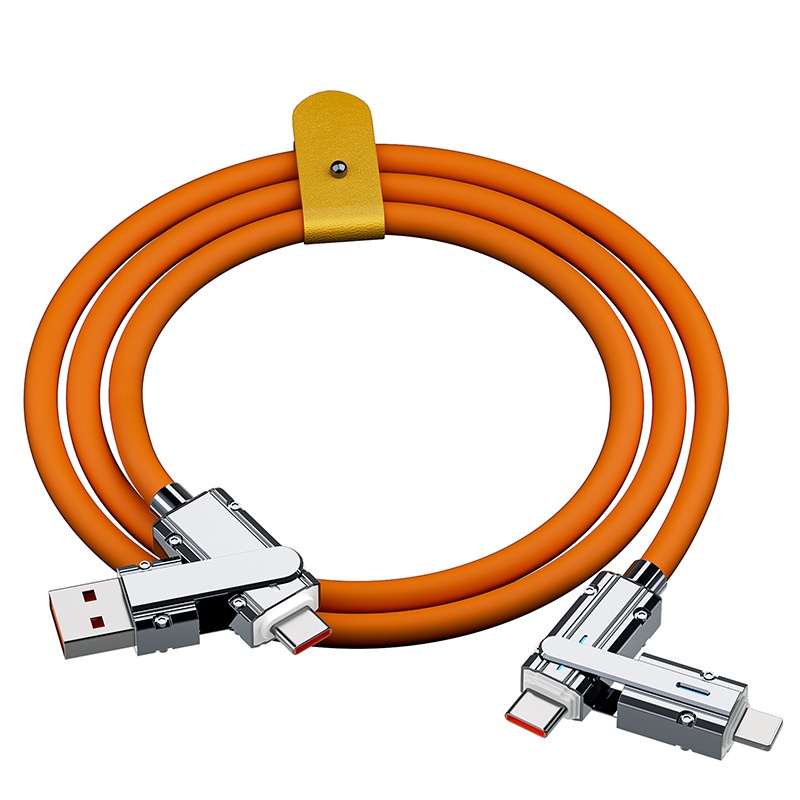
Fast Charge Cable for Mobile Phone Charging – Rapid and Efficient Power Solution
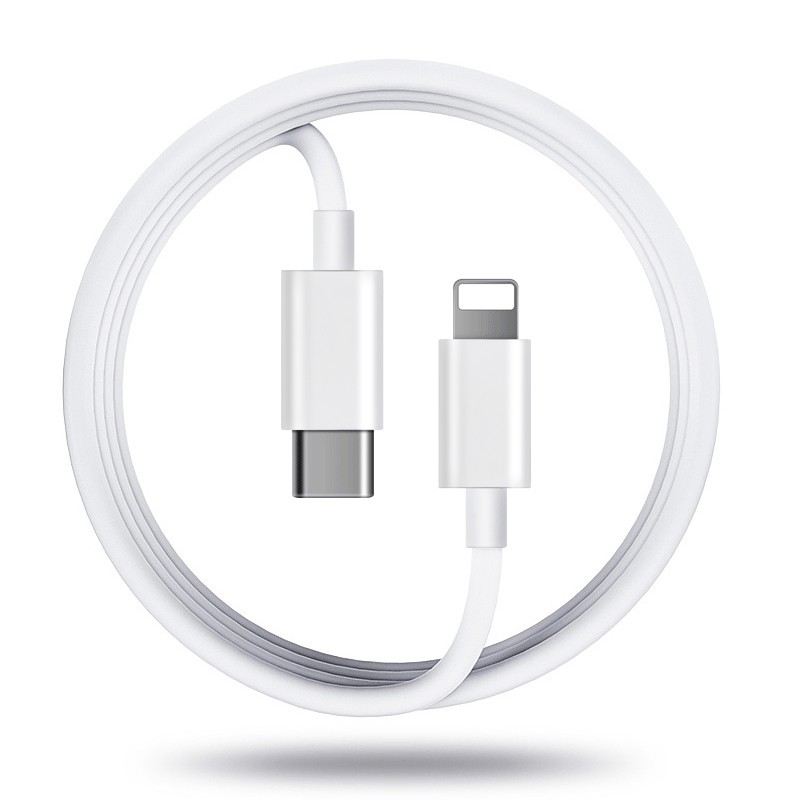
Fast Charge Mobile Phone Charging Cable for Quick Data Transfer
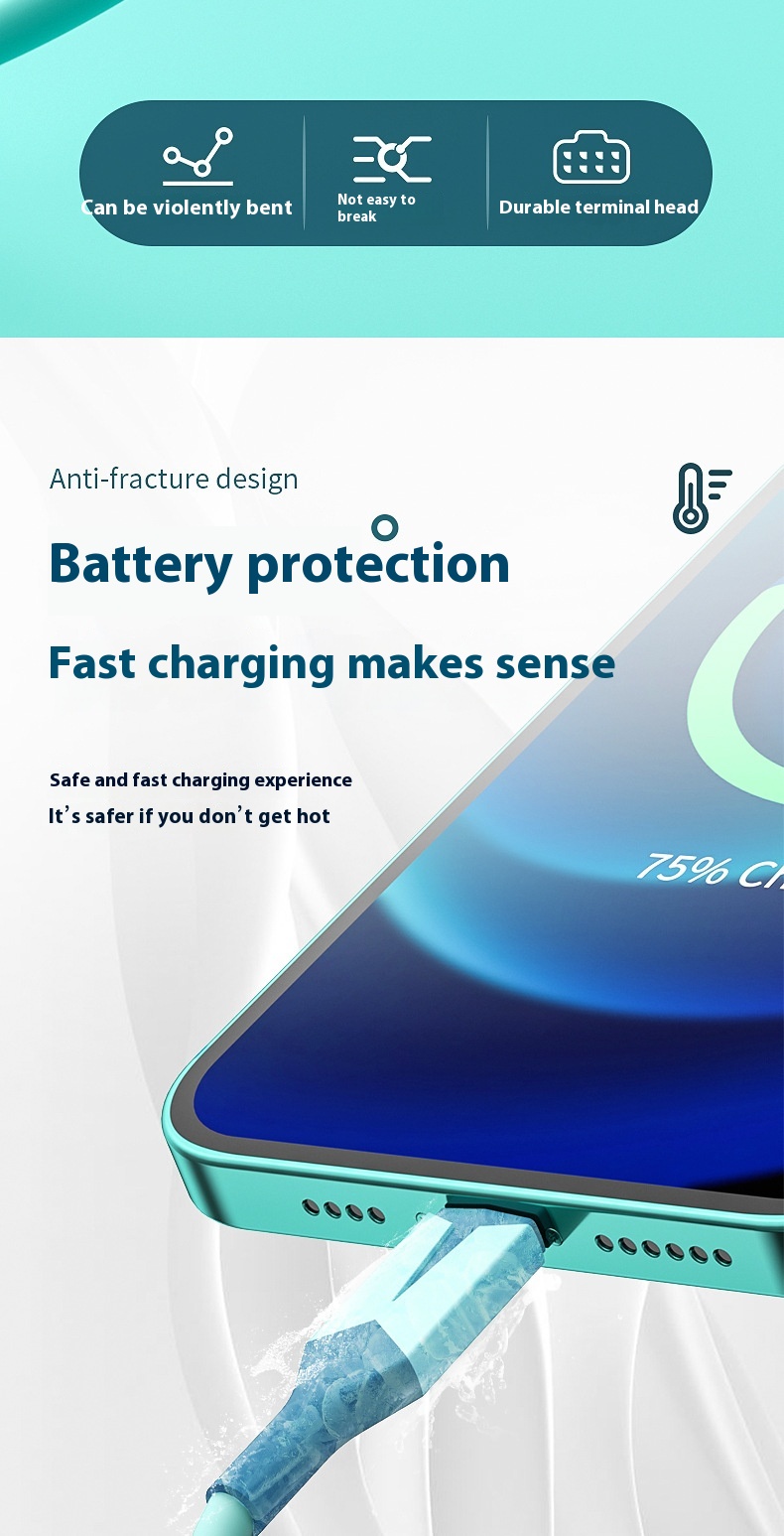
Liquid Flexible Glue for Quick Mobile Phone Charging – Fast Charge Data Cable